

Before you begin
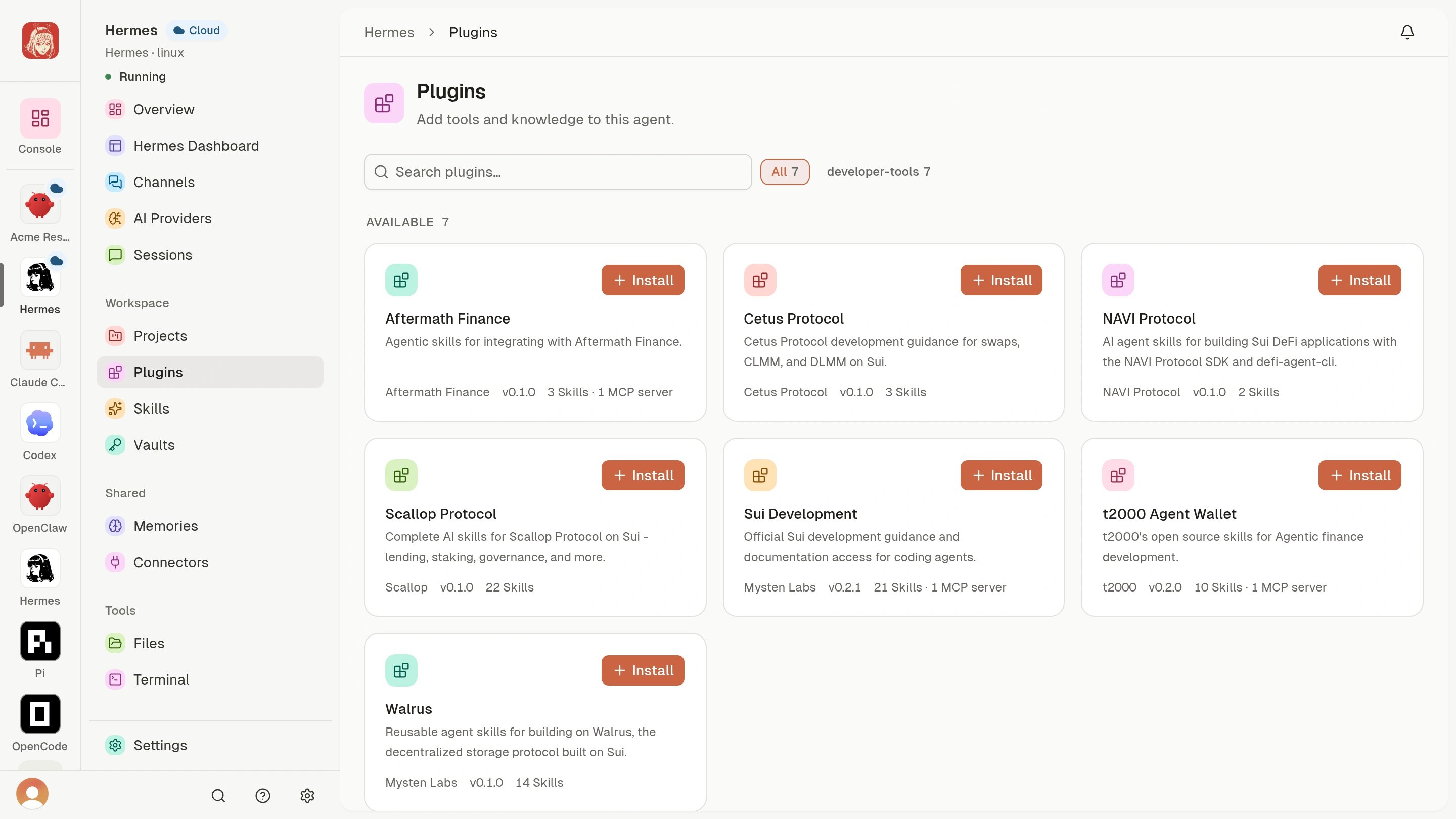
Open a Running Cloud Agent that has Plugins in its sidebar. Available packages depend on that Agent; the catalog shows the choices you can review.Find a Plugin
- Open the Agent’s Plugins section.
- Browse the available packages.
- Open a package to read its details.
Review and install
- Check the publisher, version, and description.
- Review the included Skills and MCP servers. MCP servers provide connections to tools and information the Agent can use.
- Choose Install when you trust the package and need its capabilities.
- Wait for the page to show the installation result. Resolve any displayed setup request or error before using the Plugin.
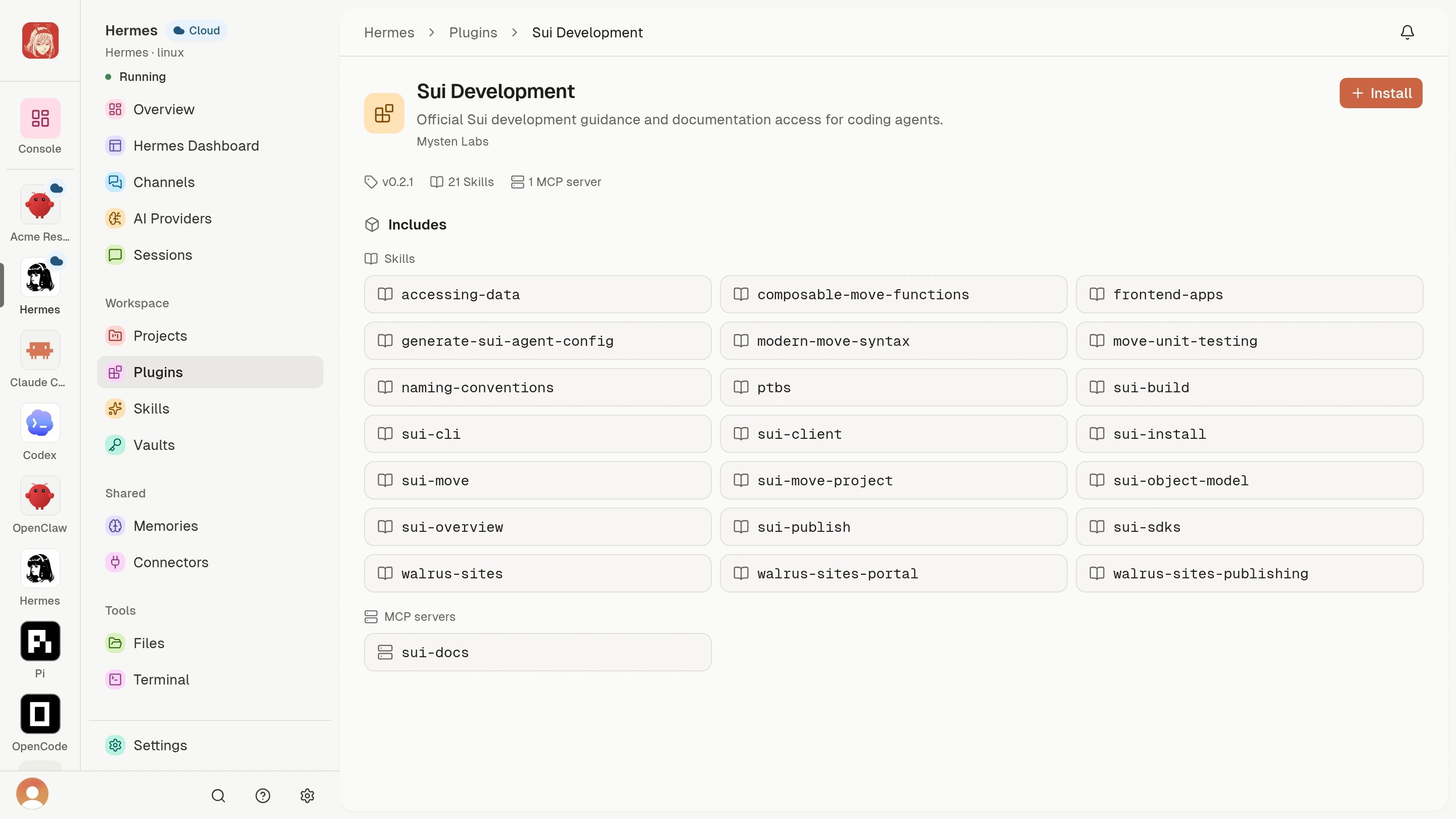
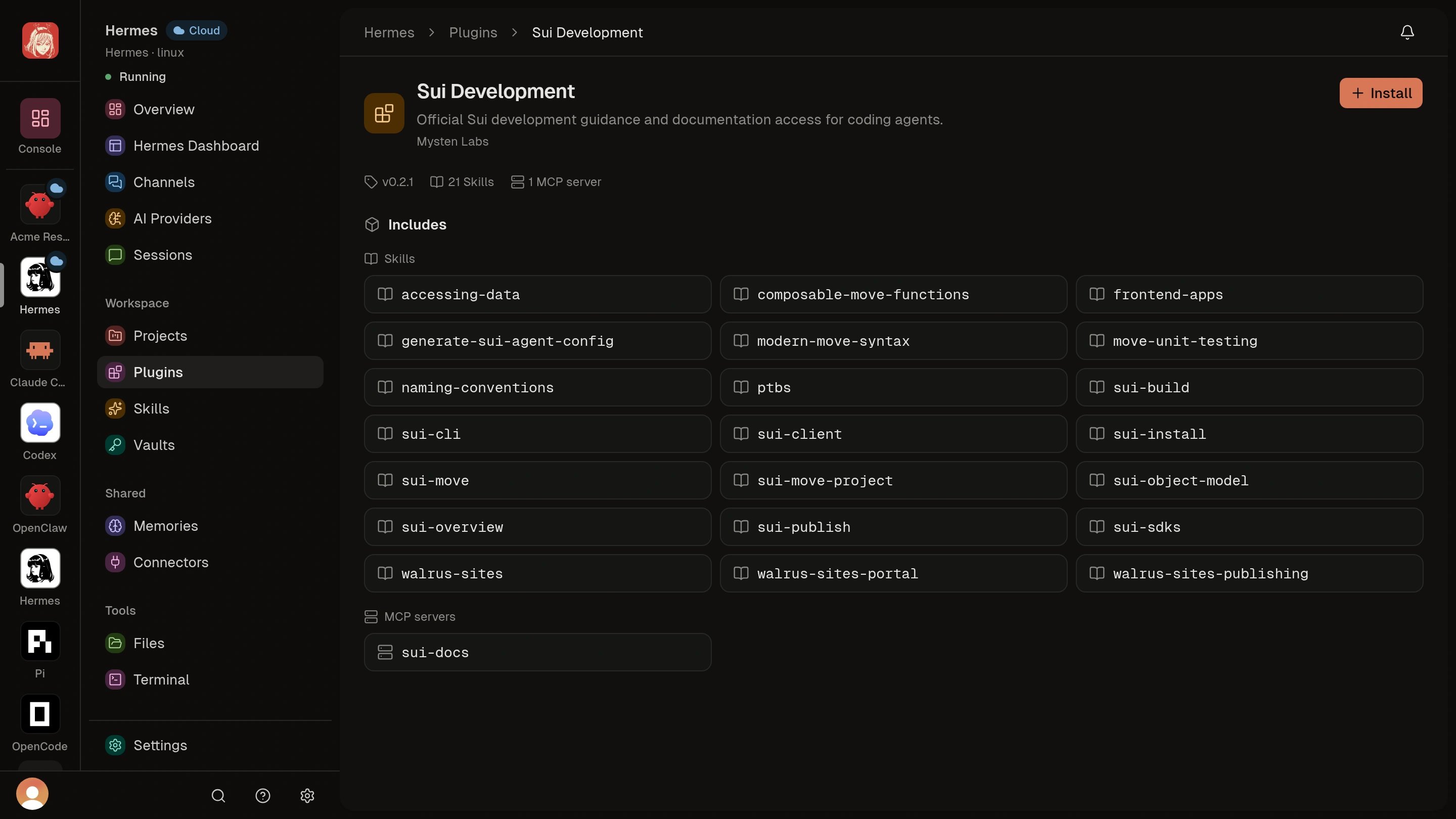
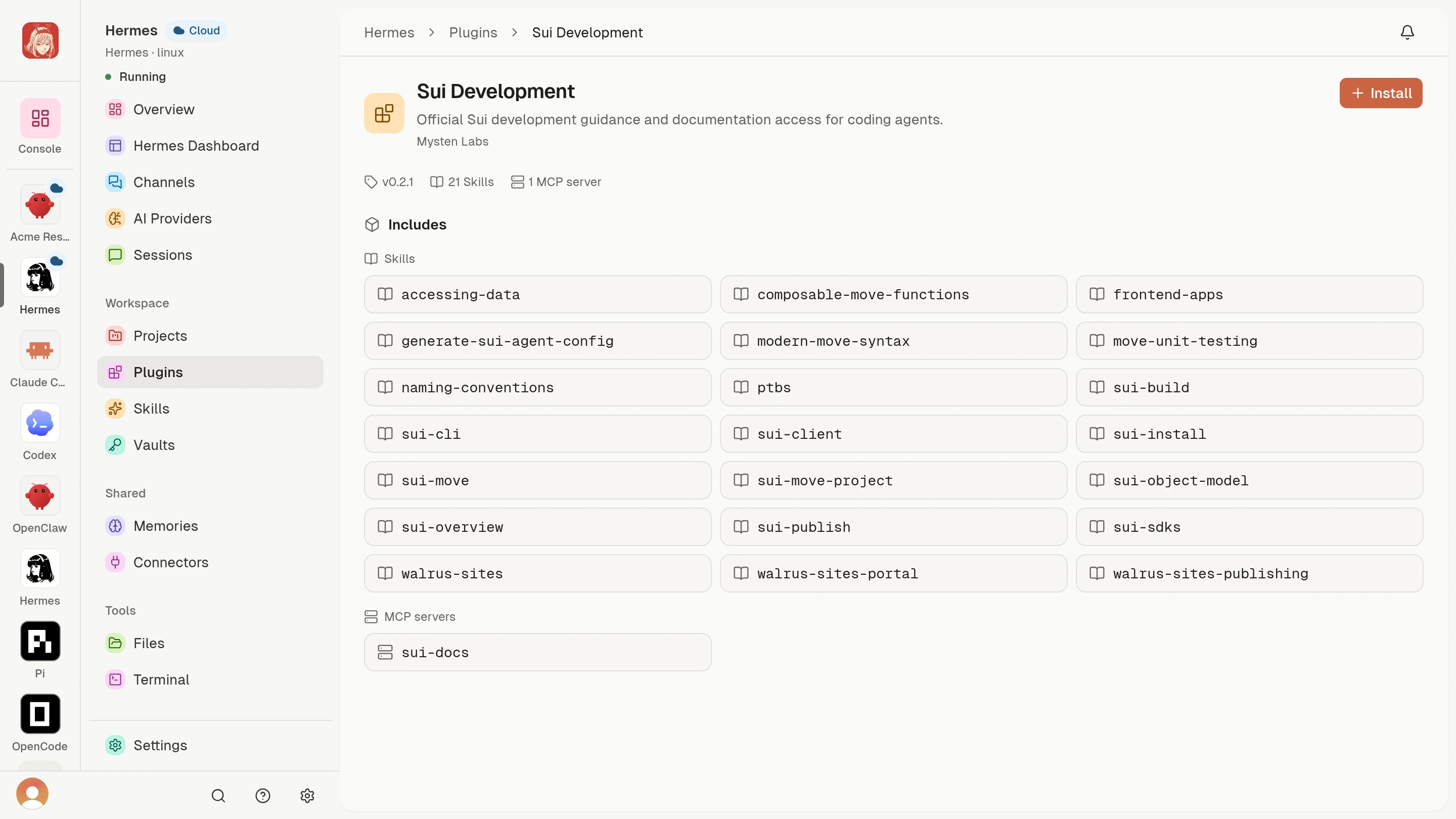
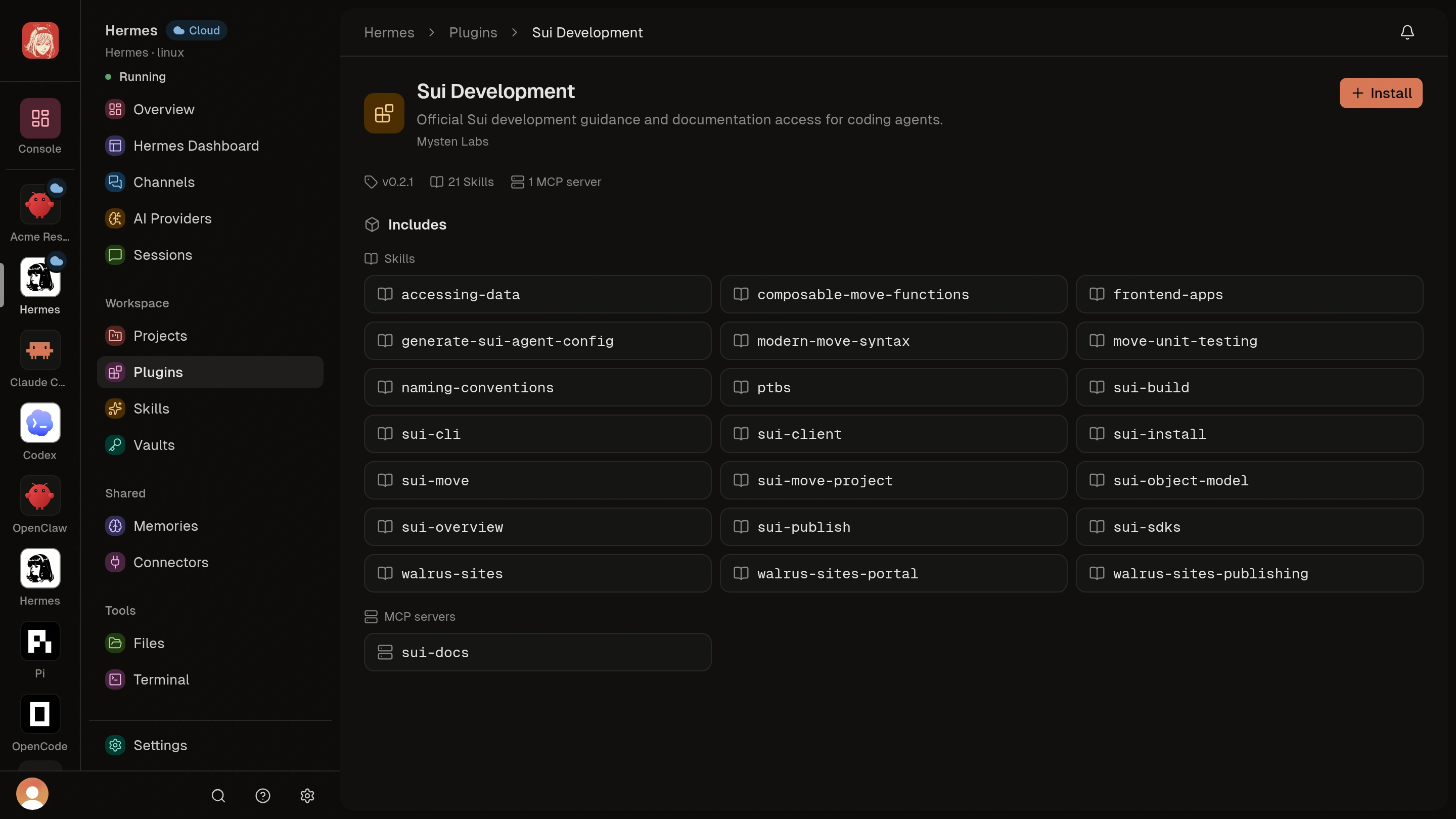
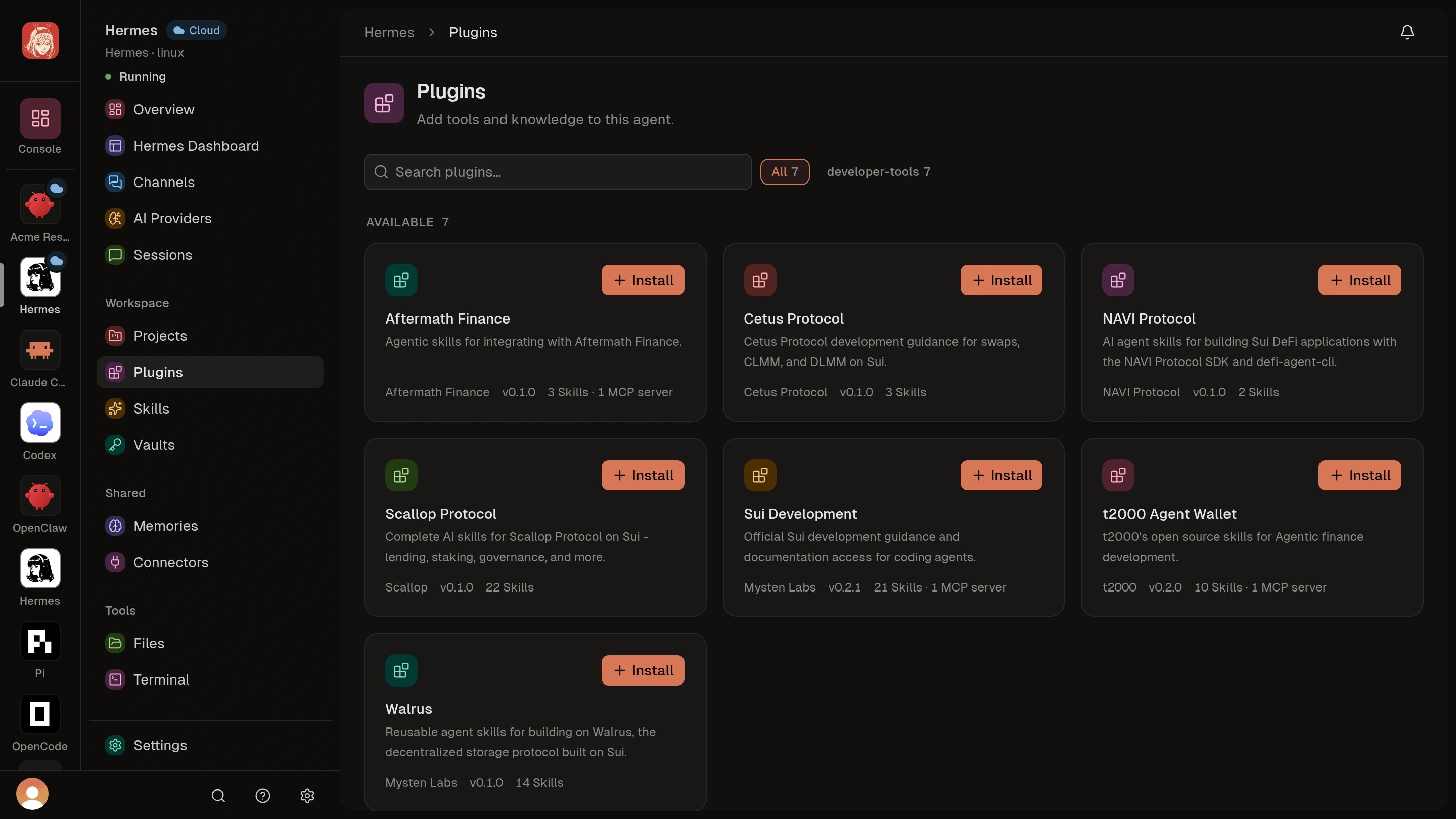
These demo screens show available packages. Installation and a successful
task are separate steps. After setup, try a small, low-risk task and review
the result before granting access to sensitive work.