

Changing one surface does not automatically change the other. See Core
concepts and Cloud
Agents.
Configure a Cloud Agent Provider
Sign in to the Clawdi dashboard. Keep provider credentials in the secure connection form and out of messages, screenshots, and Project instructions.- Open Library > AI Providers and choose Add provider.
- Select a provider and, when offered, the matching region or plan.
- Use the provider’s credential link to obtain the correct API key, or complete the supported account sign-in flow. ChatGPT account access is offered only for compatible Agent software and connections.
- Save the connection and resolve any readiness or connection-test warning.
- Open the Cloud Agent’s AI Providers, select the saved connection, and save the change.
- Wait for the update to finish, then open Hermes or OpenClaw to choose a model and start a conversation.
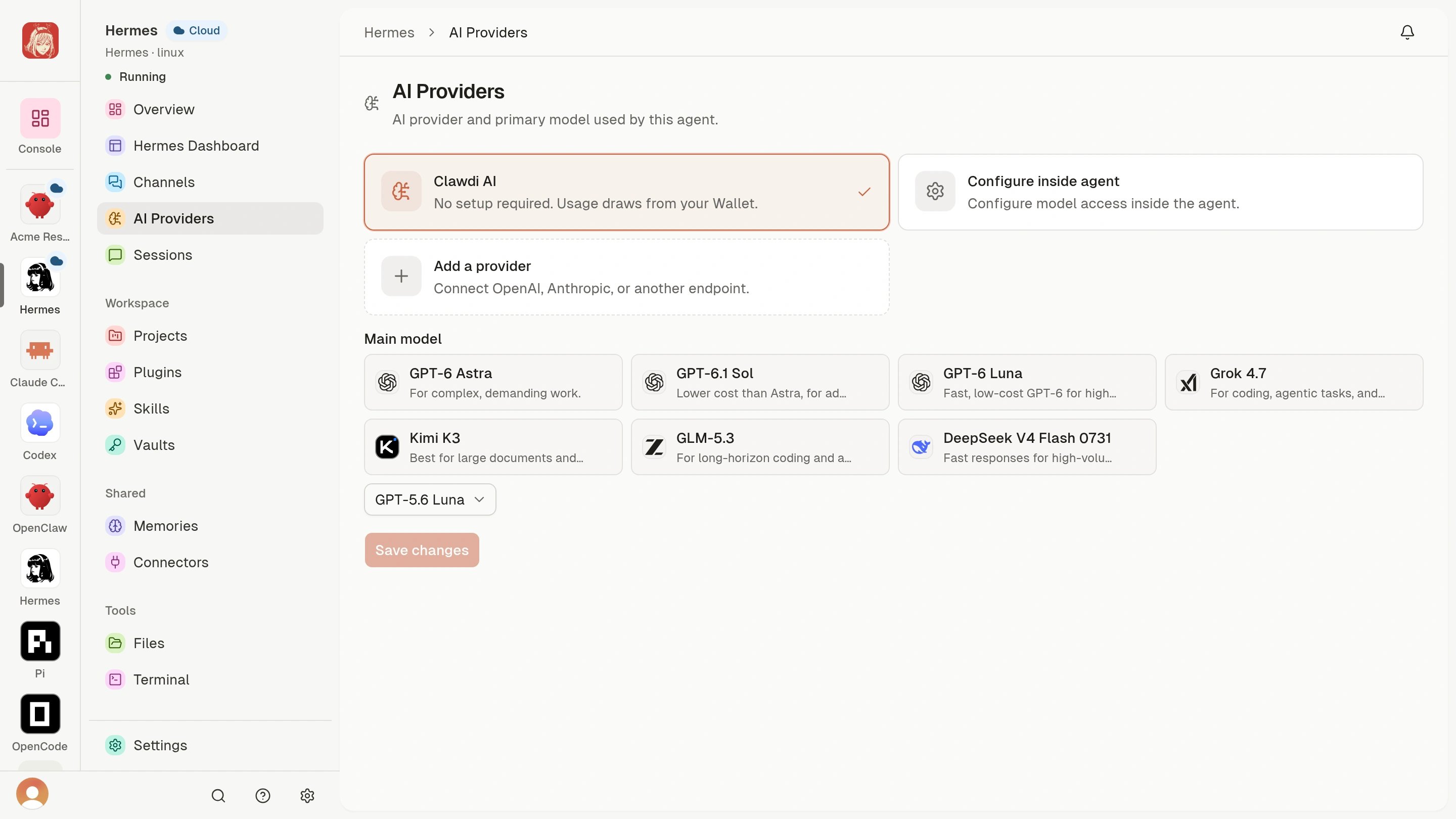
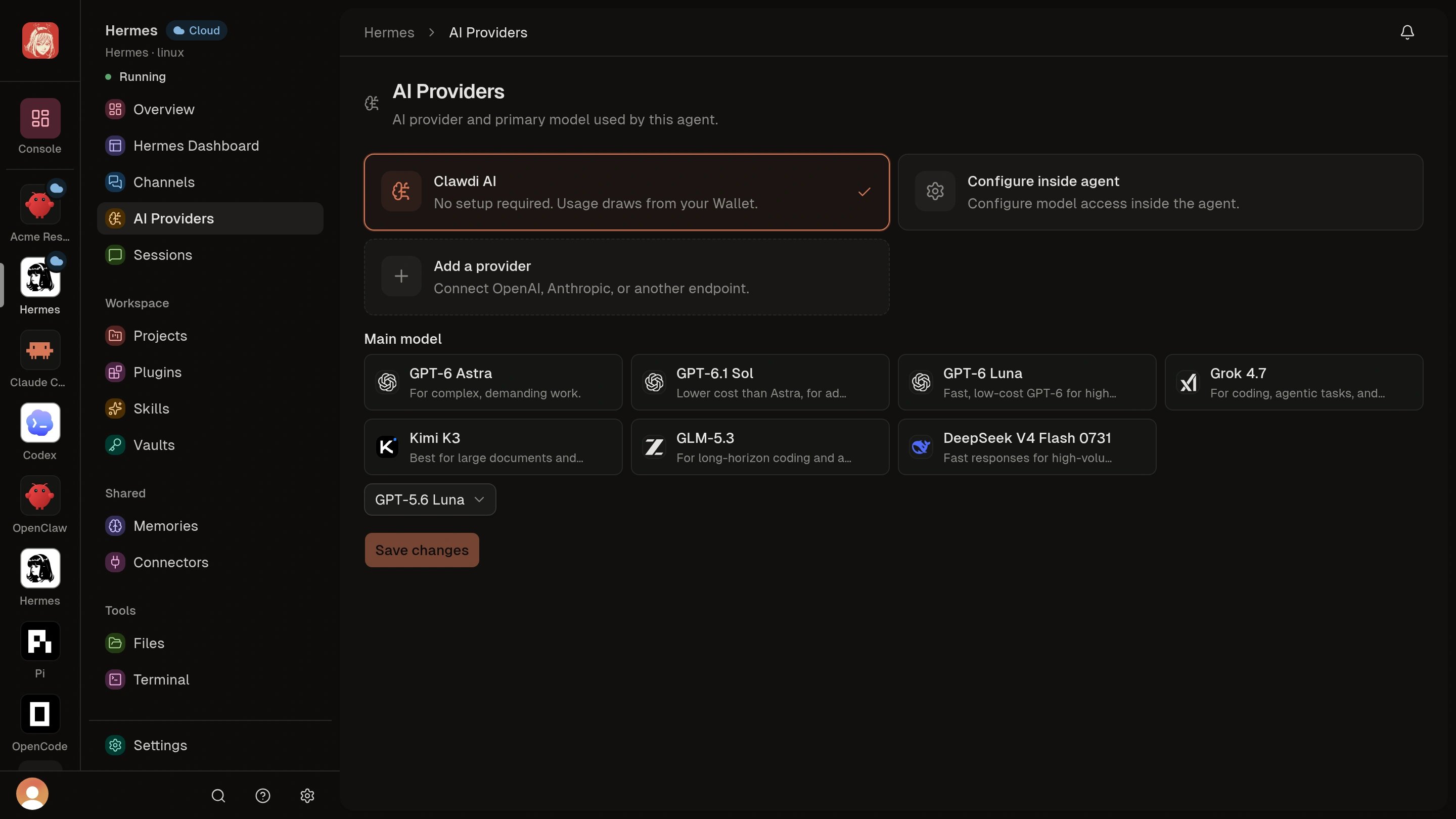
The saved connection is available to the intended Agent, and the Agent can
start a conversation with a model supported by that connection.
clawdi ai-provider add does not assign
a provider to a Cloud Agent.
For local catalog, OAuth, import, export, and provider-specific options, use
clawdi ai-provider --help and the relevant subcommand help. For remote
lifecycle behavior, see Cloud Agent settings and
lifecycle.
Advanced: local Provider Catalog and CLI commands
Advanced: local Provider Catalog and CLI commands
Add a local Provider record
Use an environment or exact Vault reference instead of putting an API key in the catalog:env:OPENAI_API_KEY reference, not
the environment variable’s value. The default test checks configuration and
credential availability. Add --live only when you intentionally want a
direct provider probe.To use a Vault value, first copy the exact reference from clawdi vault list
and pass it as the auth reference:The local catalog lives on this computer. It does not upload its records to
the dashboard AI Providers page, and Clawdi does not proxy the Agent’s model
requests; supported local Agent software calls the provider directly.
Manage local records
The released CLI manages Provider Catalog records; it does not activate or write provider configuration into a local Codex, Hermes, or OpenClaw installation. Inspect the shipped command list before automating a workflow:list, add, edit, remove, validate, test,
connect, complete-oauth, import-auth, export, and import. Run the
relevant subcommand with --help before using its credential or file options.
Configure local Agent software through that software’s supported settings; a
catalog record by itself is inventory, not proof that an Agent is using it.