

Change runtime settings
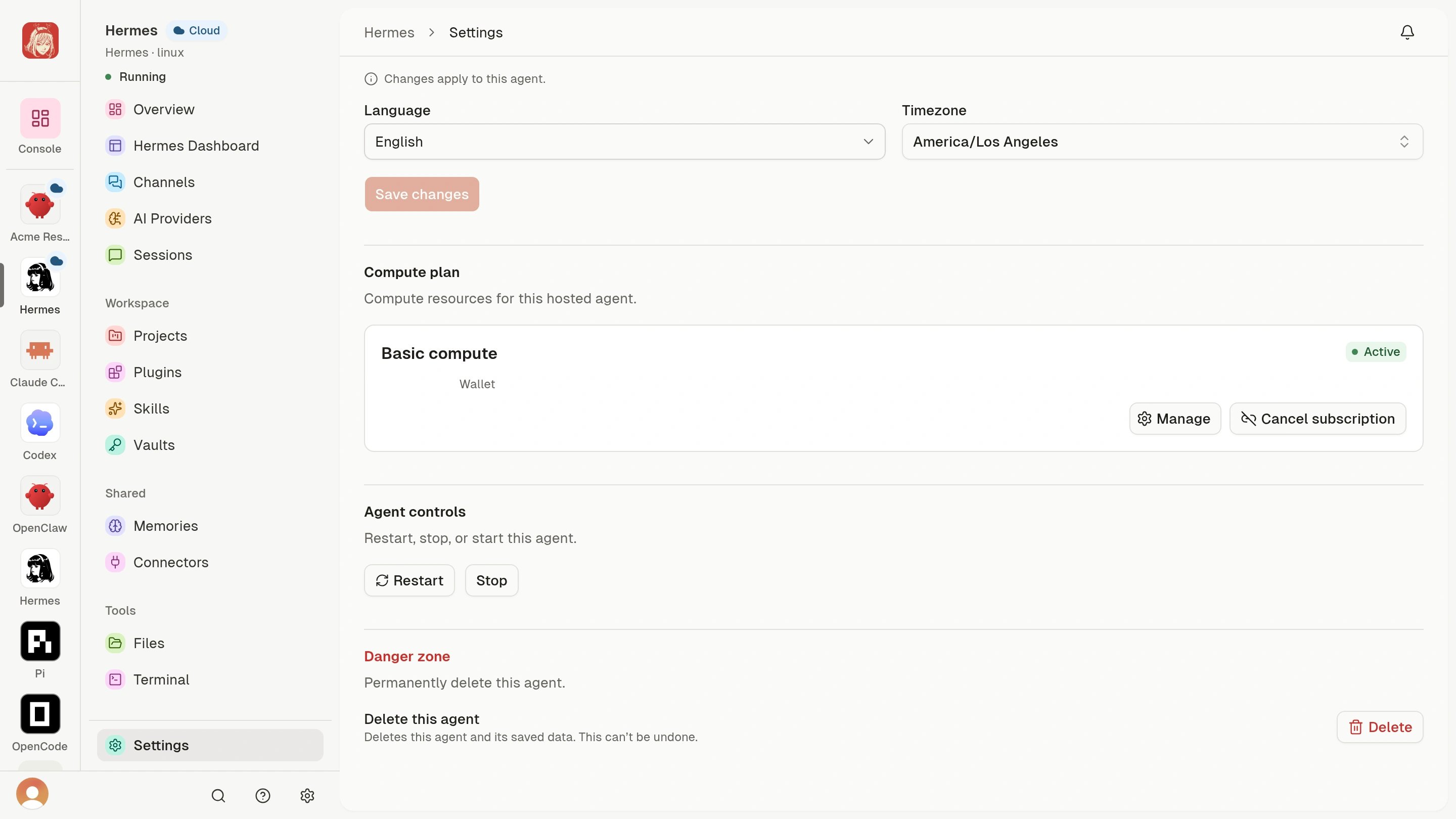
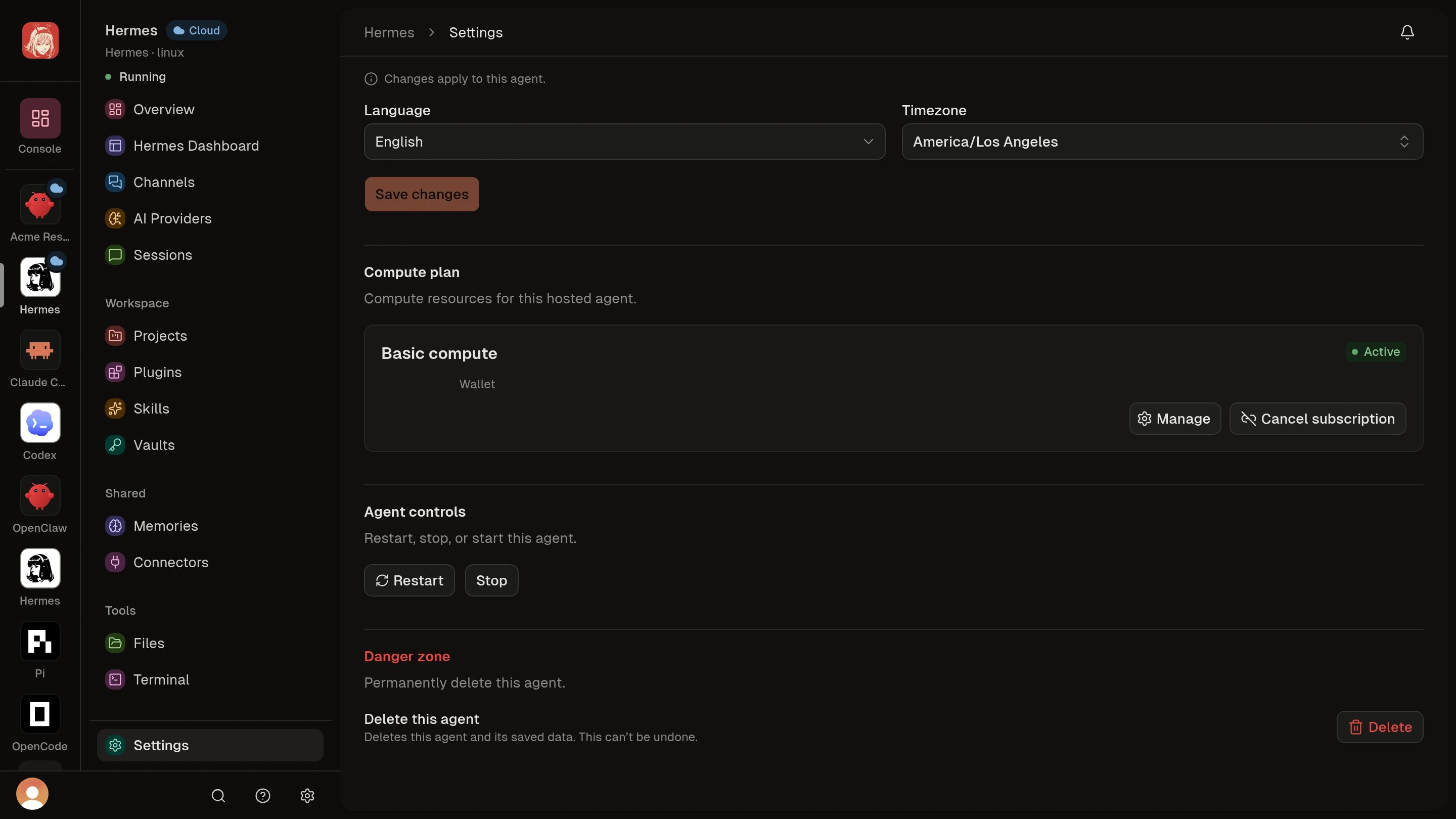
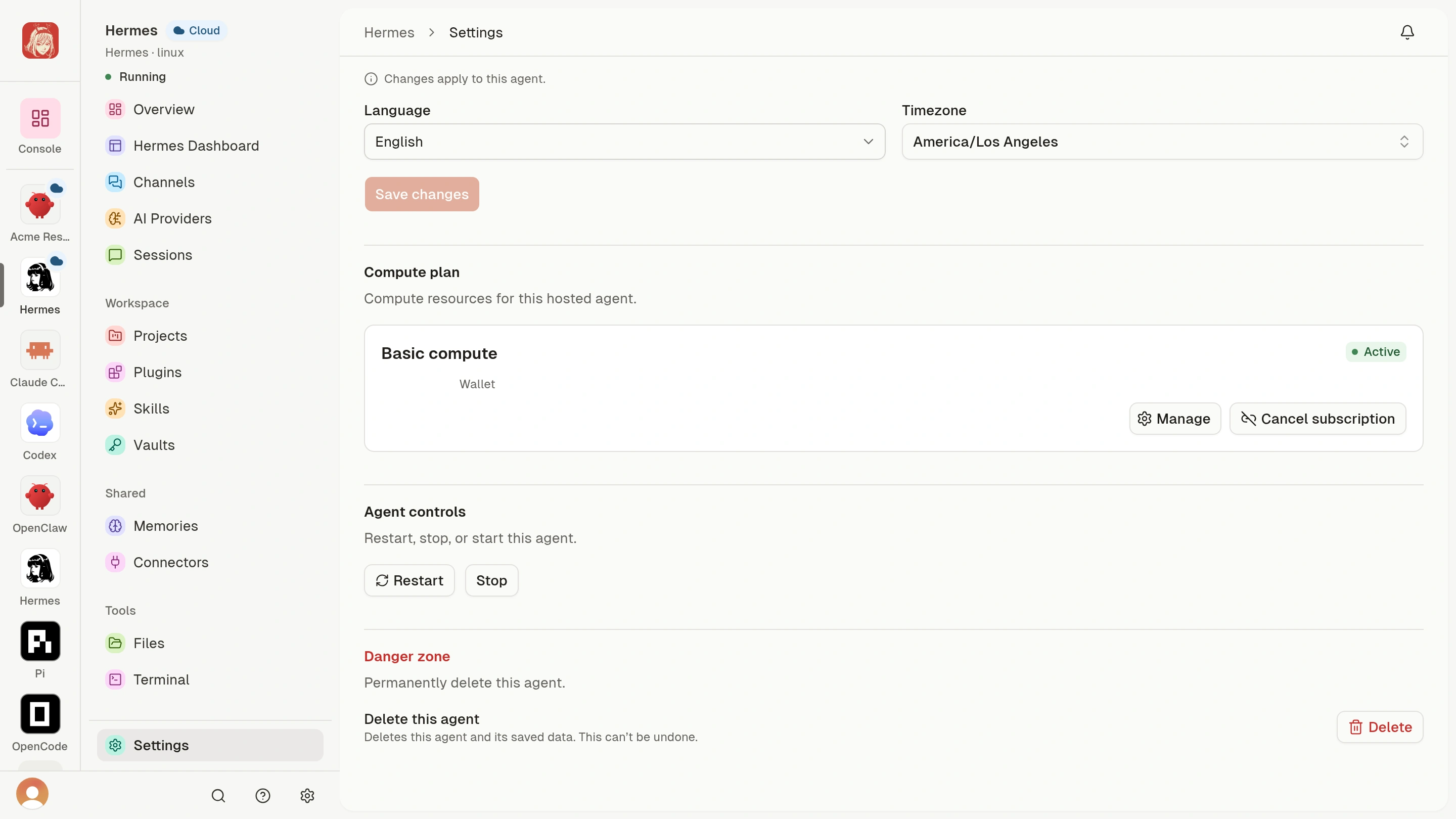
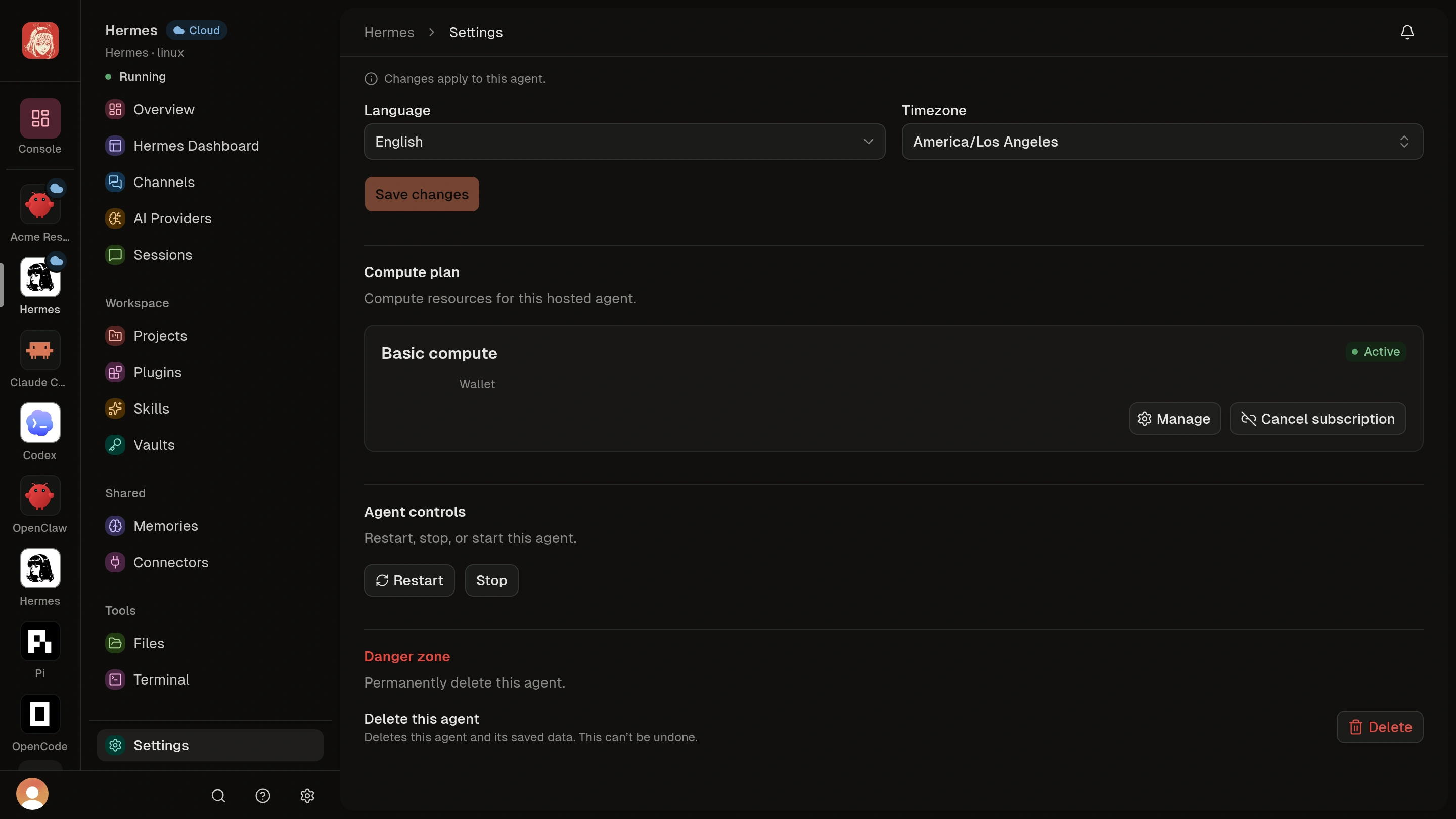
The current settings surface can include language and timezone, compute, lifecycle, and deletion controls. AI access is managed from the Agent’s AI Providers section. For native saved connections, select models inside Hermes or OpenClaw; see Configure Cloud Agent AI access.- Review the Agent name and status to confirm the target.
- In Language & timezone, select the intended language and timezone.
- Choose Save changes once, then wait for the update to finish.
- Reopen Settings and confirm the saved values and final Agent status.
Settings shows the intended values after reopening, and the Agent has
finished its update before you resume work.
Advanced: updates and compute constraints
Advanced: updates and compute constraints
When you save a remote runtime change, the Agent can enter Updating while
Clawdi applies it. During that transition:
- An affected live tool can disconnect temporarily.
- Save and lifecycle controls can be disabled.
- Wait for the current operation to finish before submitting another change.
- If Clawdi reports that the Agent state changed, refresh the page and review the latest settings before retrying.
Use lifecycle controls
- Save your work outside any live Terminal or browser connection that could close.
- Open Settings > Agent controls and choose the enabled action for the intended Agent.
- Read any confirmation and submit once. Wait for the status to settle before retrying.
- After starting or restarting, confirm Running, then open the Agent Interface and check that it has loaded.
The Agent reaches the requested stable state: Running after a successful
start or restart, or Stopped after a successful stop.
The dashboard is authoritative for current-state constraints. If a button is
disabled, do not try to reproduce the action through another surface. Wait for
the active transition, choose Check again, or resolve the displayed
failure first.
Stopping a Cloud Agent is not deletion. It also does not by itself mean that
a paid compute subscription has been cancelled. Manage compute funding from
the Agent’s Settings.
Delete safely
Deletion cannot be undone. Before confirming it:- Move any important remote work to source control or another external system.
- Read the subscription choice in the confirmation dialog. When a renewable compute subscription is attached, the dashboard can ask whether to keep or cancel it.
- Confirm both the Agent deletion and the intended subscription handling.
- After deletion is accepted, allow the Deleting transition to finish instead of submitting another delete request.