

Choose a run path
Choose a Cloud Agent when independence from your computer and dashboard
lifecycle controls matter more than unrestricted control of a local machine.
Choose a Connected Agent when the Agent must work directly with your computer,
its local tools, or a locally managed software installation. Continue with
Connect a local Agent if that path fits.
Agent software is a separate choice. The deployment wizard currently offers
Hermes and OpenClaw when they are available for the account. A Hermes Cloud
Agent uses the Hermes experience; an OpenClaw Cloud Agent uses OpenClaw’s
Control UI and workflows. Tool and integration availability can vary by
software and runtime state.
What Clawdi manages
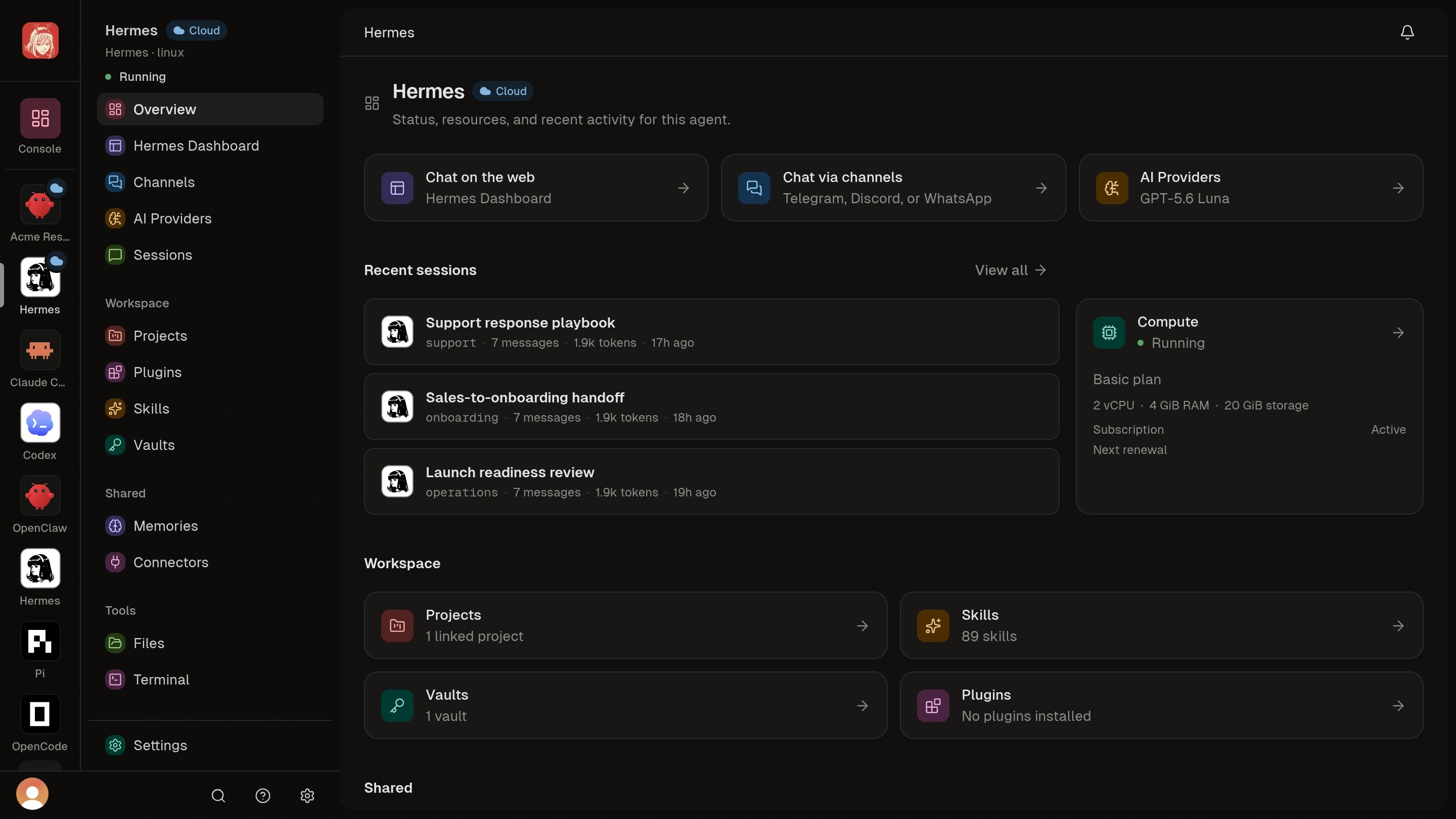
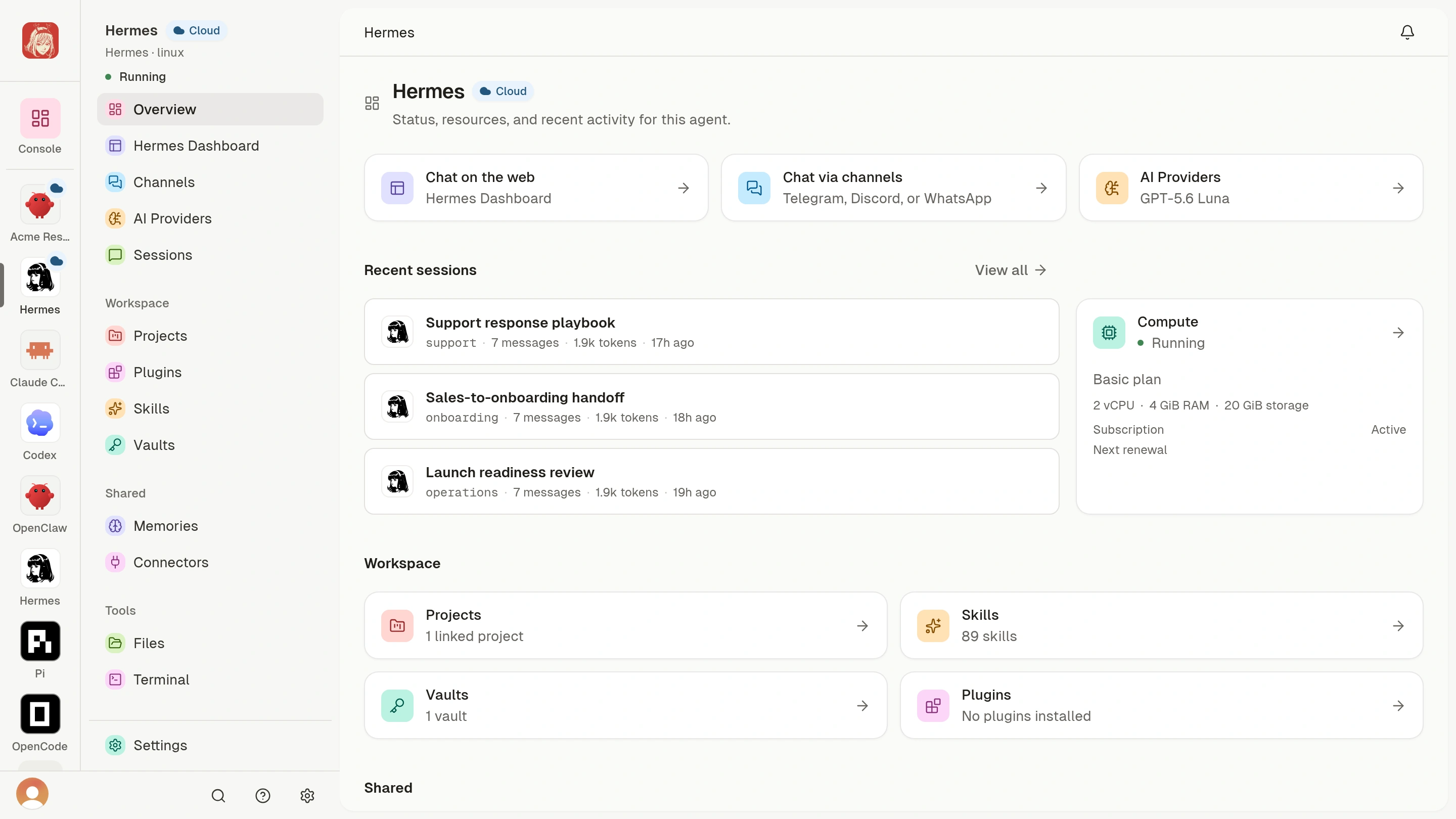
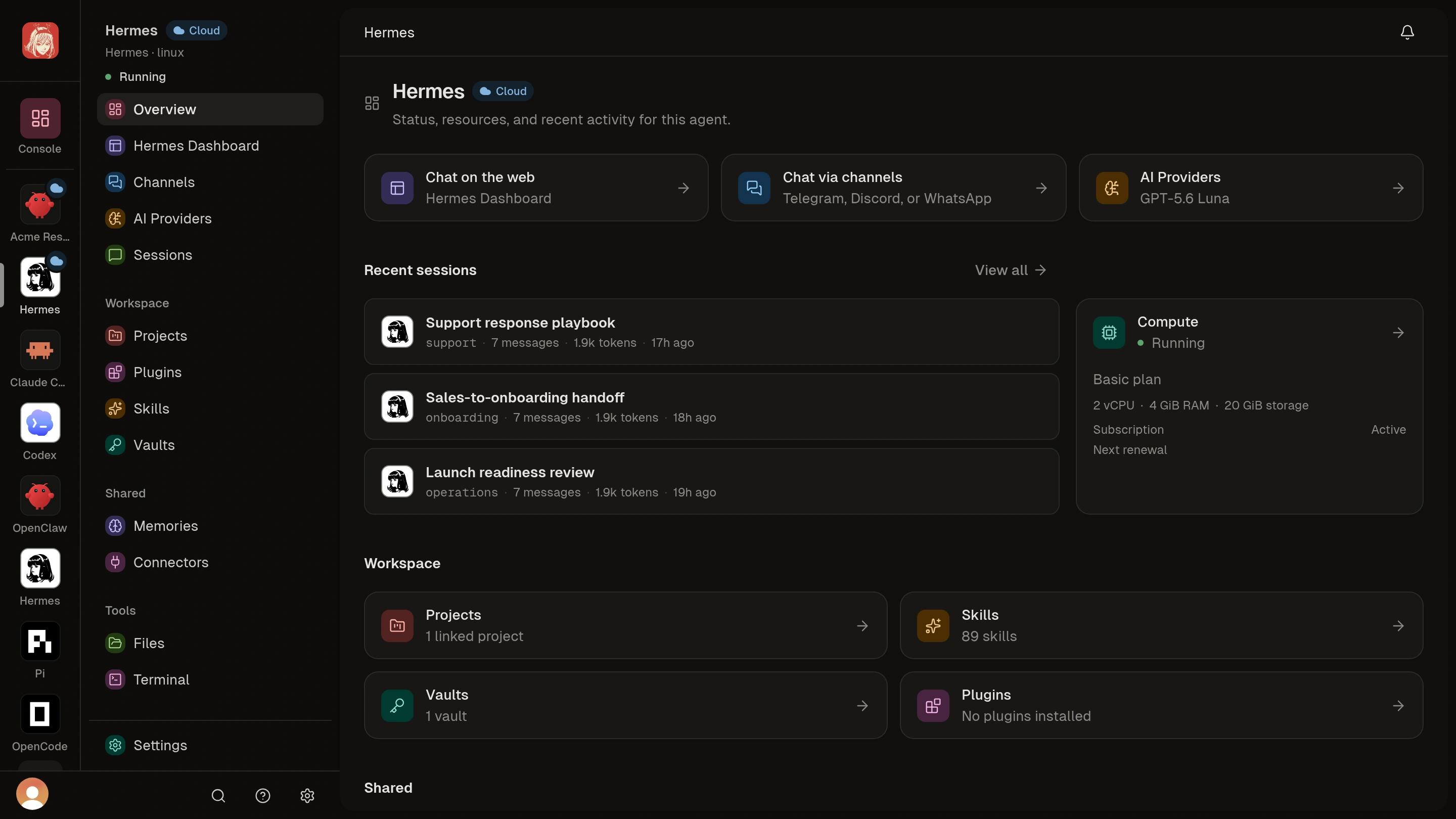
For a Cloud Agent, Clawdi manages the remote runtime, its deployment state, compute selection, and start, stop, restart, and delete workflows. The Agent page also provides the browser interface exposed by the selected Agent software, Workspace file access when available, and a Terminal for the remote environment.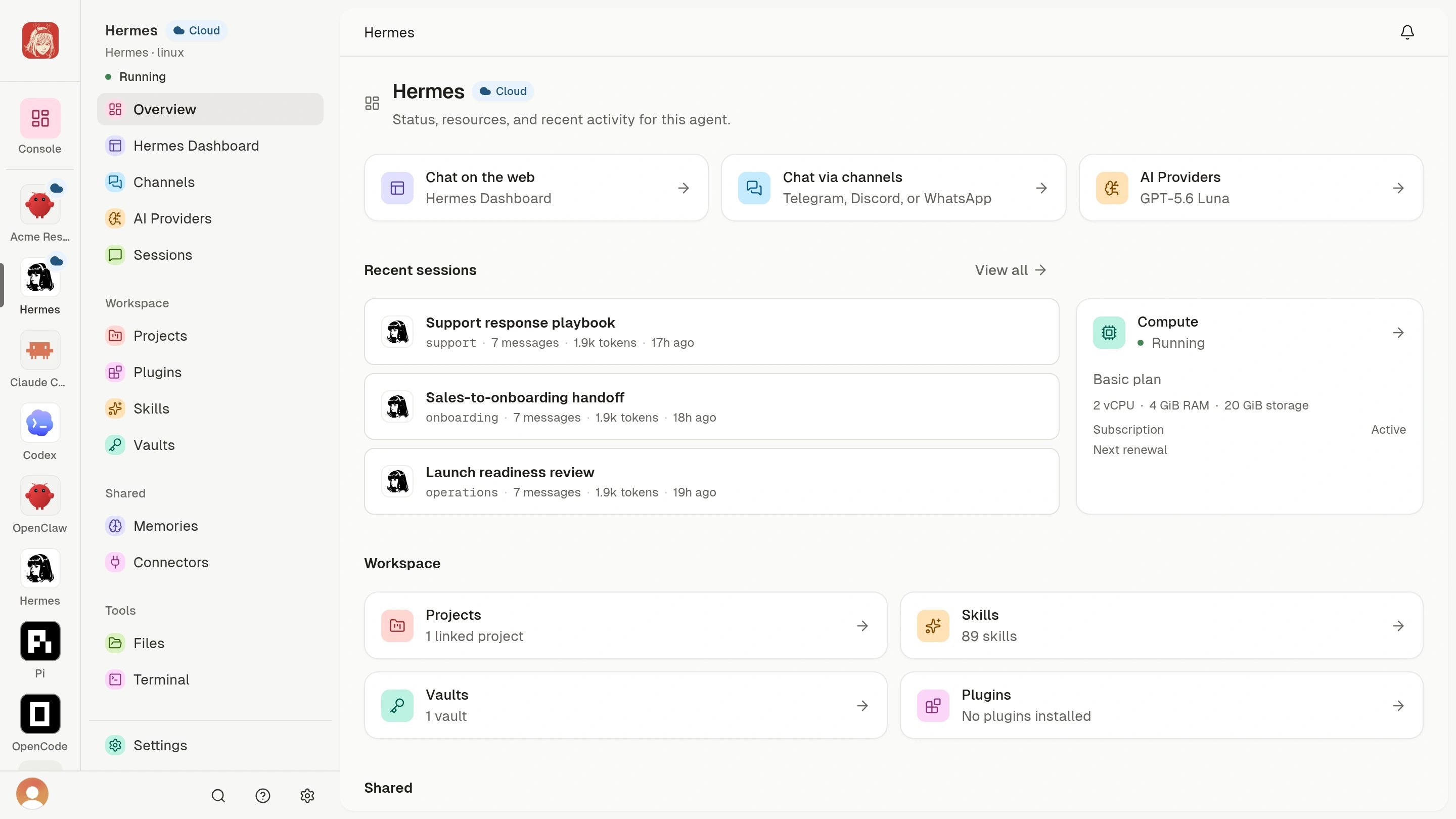
Add reusable tools
Open Plugins to browse packages for this Cloud Agent. Review the publisher, version, included Skills, and tool connections before choosing Install. Follow Add tools with Plugins for the steps.Follow the journey
Cloud Agent quickstart
Deploy from the dashboard and complete your first task in the Agent Interface.
Choose your Cloud Agent setup
Compare Agent software, AI access, compute, and preferences before you deploy.
Automate deployment
Use the CLI, stable request IDs, and safe handling for an ambiguous attempt.
Understand states and recovery
Distinguish deployment state from tool readiness and respond safely to failures.
Agent Interface, Files, and Terminal
Use browser tools within the remote runtime’s persistence and permission boundaries.
Manage settings and lifecycle
Change runtime settings and safely start, stop, restart, or delete the Agent.
Configure AI access
Bind the remote runtime to Clawdi AI, a saved AI Provider, or in-Agent configuration.
Understand usage and billing
Separate compute, Wallet activity, Clawdi AI usage, and external provider usage.