

Check a charge
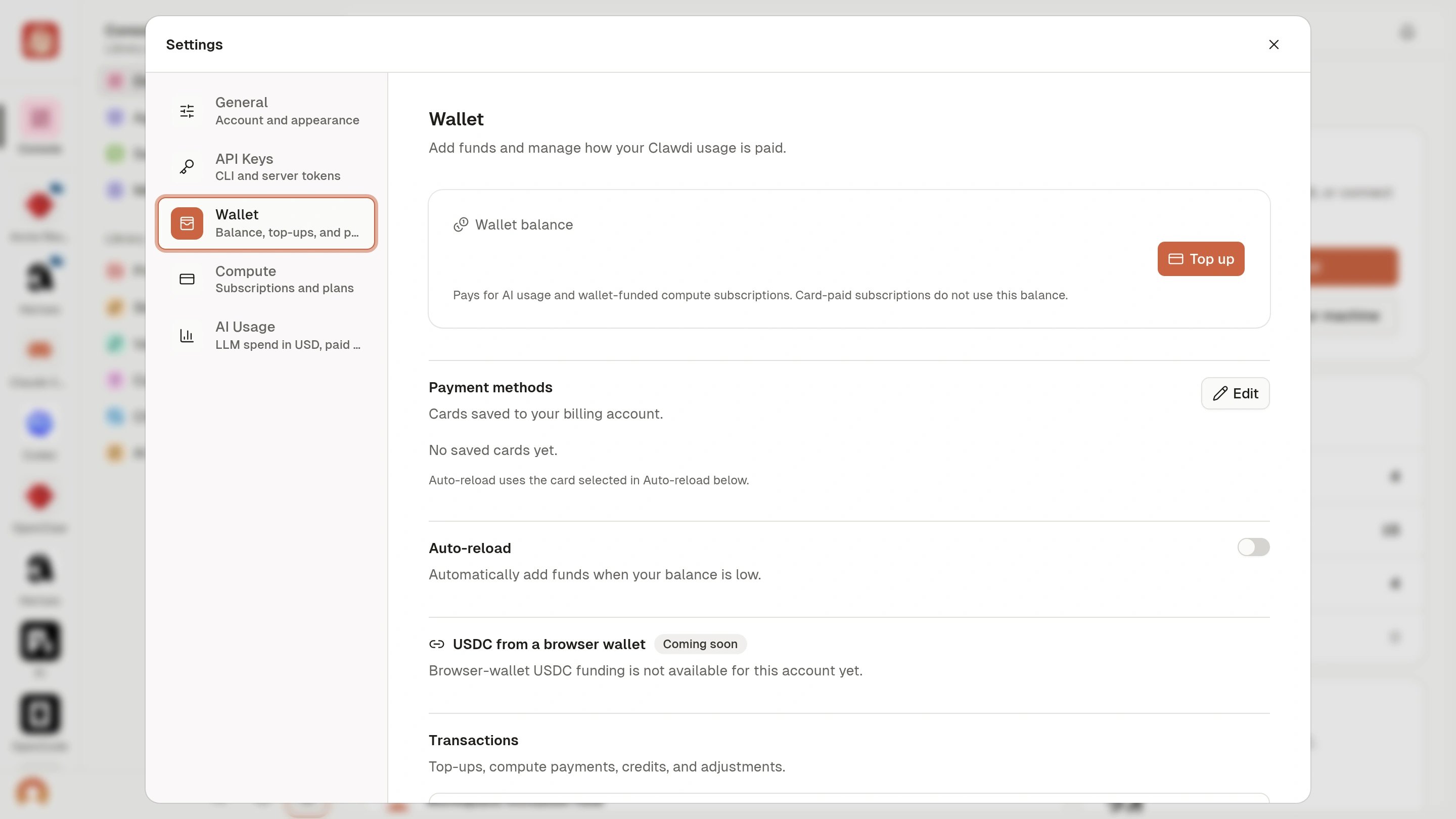
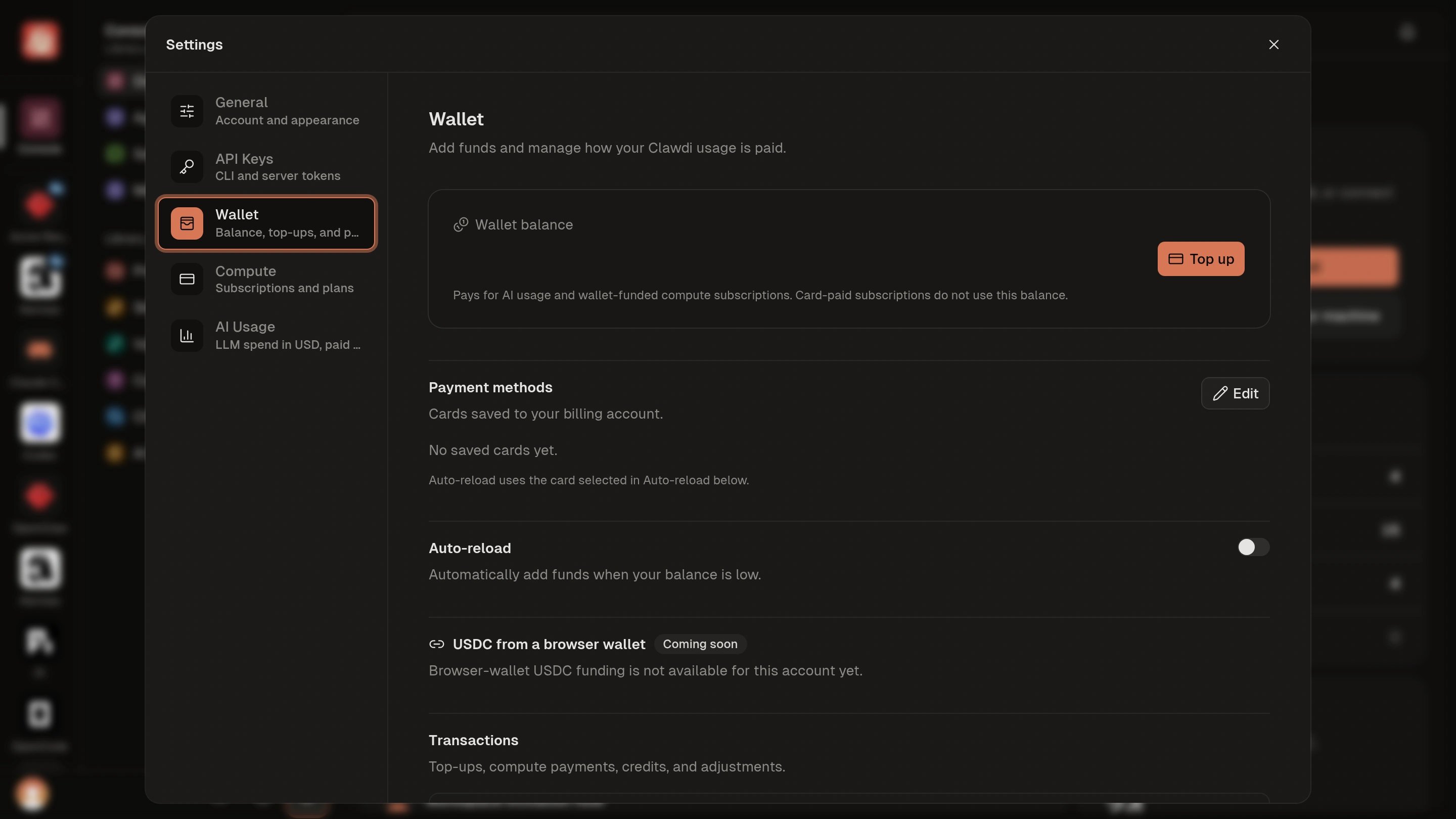
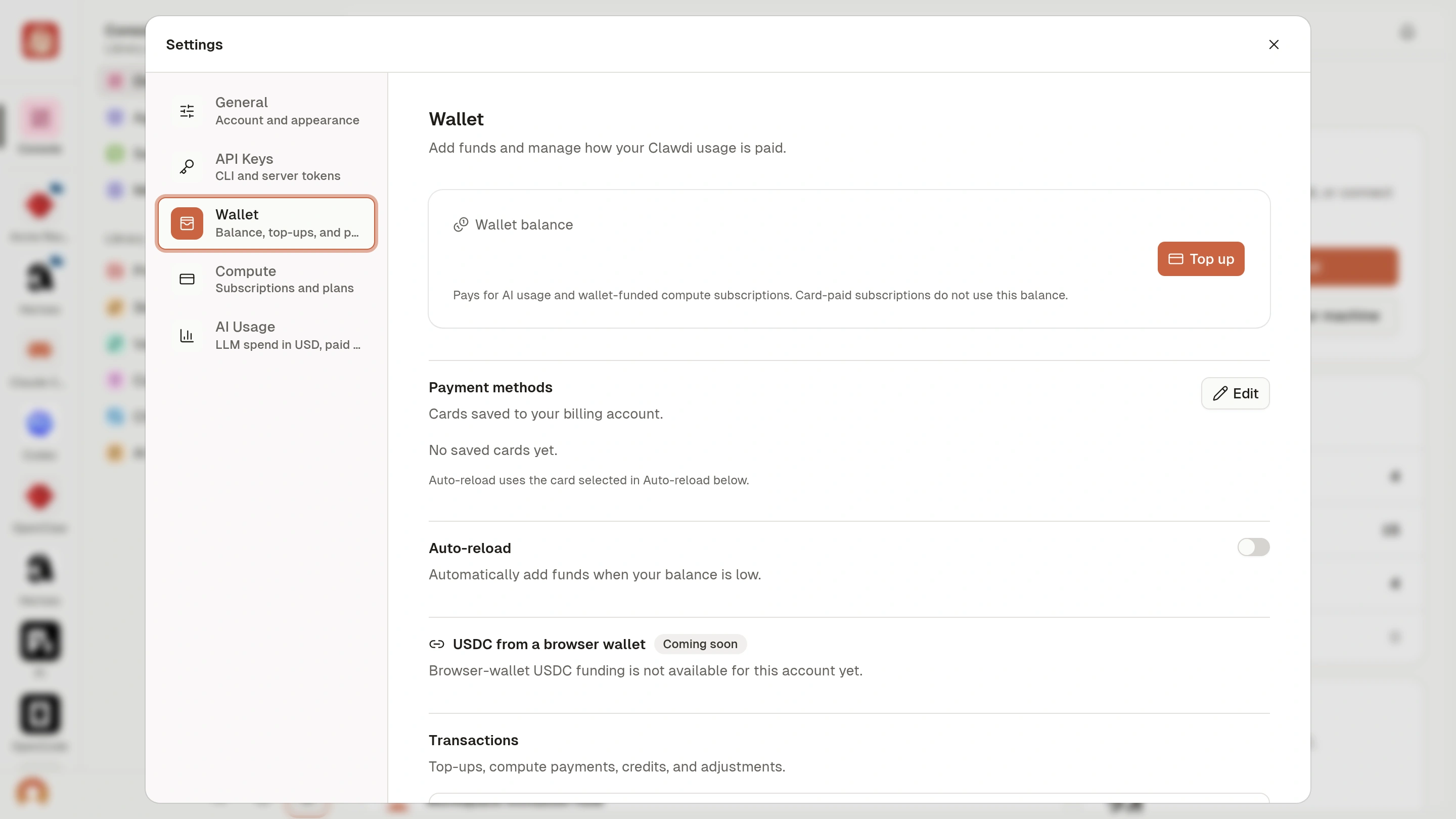
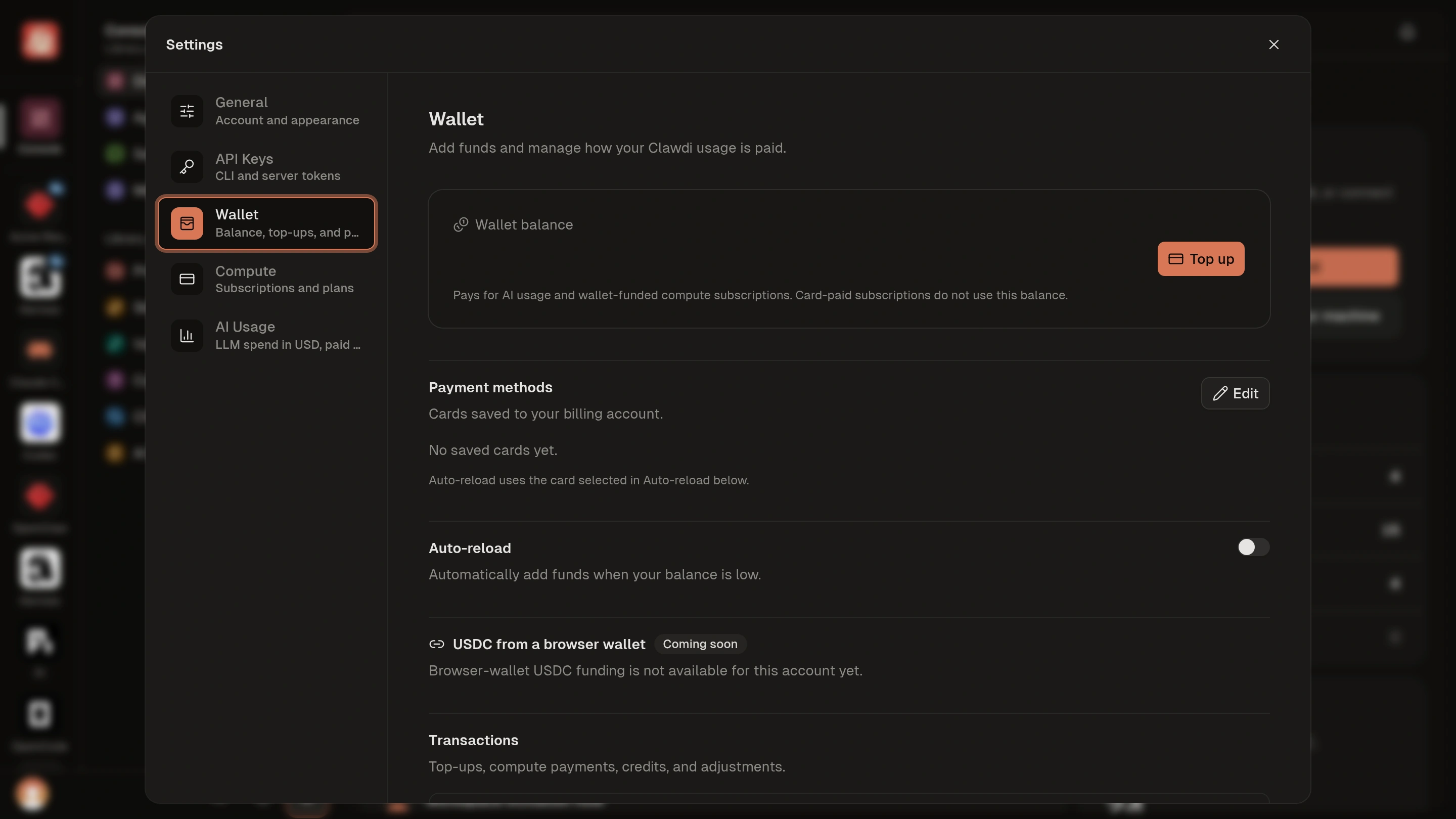
- Open Settings > Wallet in the Clawdi dashboard. The balance button in the top bar also opens Wallet.
- Find the entry in Transactions. Check its type, funding source, status, amount, and date; use Load more for older activity.
- For compute, open Settings > Compute or the Agent’s Settings > Compute plan to review the subscription. For Clawdi AI model spend, open Settings > AI Usage.
- Open the receipt or invoice when available. For an external AI Provider, review the provider’s billing page.
You can identify which activity caused the charge, how it was funded, and
where to review its current subscription or usage details.
Billing concepts
The Usage page reports Clawdi AI activity for its displayed reporting
window. Wallet balance is not reset with that reporting window. For an external
AI Provider, use that provider’s own usage and billing surfaces as the source of
truth.
Review current compute offers
Compute resources, prices, included capacity, billing terms, payment methods, and availability can change. For exact current information, use:- The Compute section of the Cloud Agent deployment wizard for a new Agent.
- The Compute plan section in an existing Cloud Agent’s Settings.
- Settings > Compute in the dashboard for the account-wide Your subscriptions list. Use Load more when the list is longer than the first page.
Understand a Compute trial
Eligible accounts can receive a one-time trial on their first card-funded Basic or Performance subscription. New accounts use this trial offer rather than automatically receiving an ongoing free Basic allowance. Existing included Basic capacity remains shown as Included.- Read the trial duration, end date, subsequent price, and billing terms in the current checkout. Do not assume a trial is available because it was offered to another account.
- Wallet-funded subscriptions do not include this card trial. Reusing a card to claim another trial is not supported.
- Cancelling during the trial ends it immediately and stops the Agent; it does not keep running for the unused trial period. Review the confirmation before cancelling.
- When checkout fails or expires, use the retry action shown. If payment status is unclear, check the existing subscription or contact support before starting a second checkout.
Use Wallet safely
Open Settings > Wallet to review the current balance, top up, manage auto-reload when available, and inspect the unified Transactions history. Transactions can include Wallet and card-funded activity and link to a receipt or invoice when one is available. Use Load more for older entries. The notification center shows account alerts such as low Wallet balance and automatic top-up problems. Open the relevant Wallet or subscription page to resolve the underlying issue. The top-up dialog shows the payment methods available for that transaction. Use only a method presented there; the set can change by account and payment context. When a paid compute action uses Wallet, confirm the exact debit and balance-after amount shown in its fresh quote. If the balance changes, a quote expires, or the product reports a shortfall, top up as needed and request a new quote. Do not confirm an old amount after the product asks for a fresh quote.Understand stop, delete, and subscriptions
- Stop pauses the remote runtime; it does not itself cancel a paid compute subscription.
- Compute plan controls live in each Cloud Agent’s Settings. The unified Settings > Compute view lists subscriptions across Cloud Agents; available actions depend on current Agent and subscription state.
- Delete permanently removes the Agent. When the deletion dialog offers a separate subscription choice, review it explicitly; do not assume Agent deletion always selects the desired subscription outcome.
- A plan change can be immediate, scheduled, or still awaiting confirmation as shown in the dashboard. Do not submit a second plan change while the first is unresolved.