

Review updates
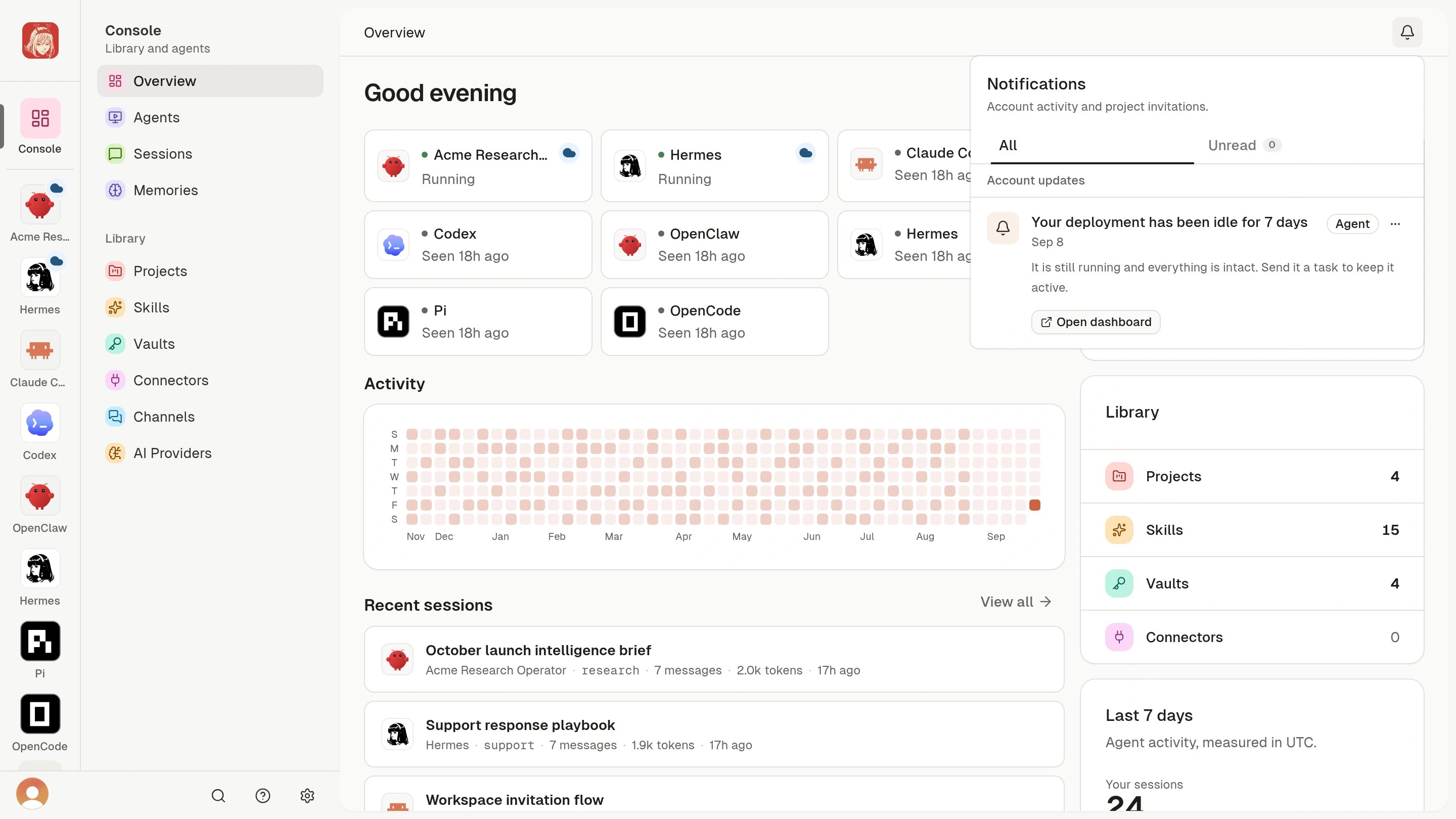
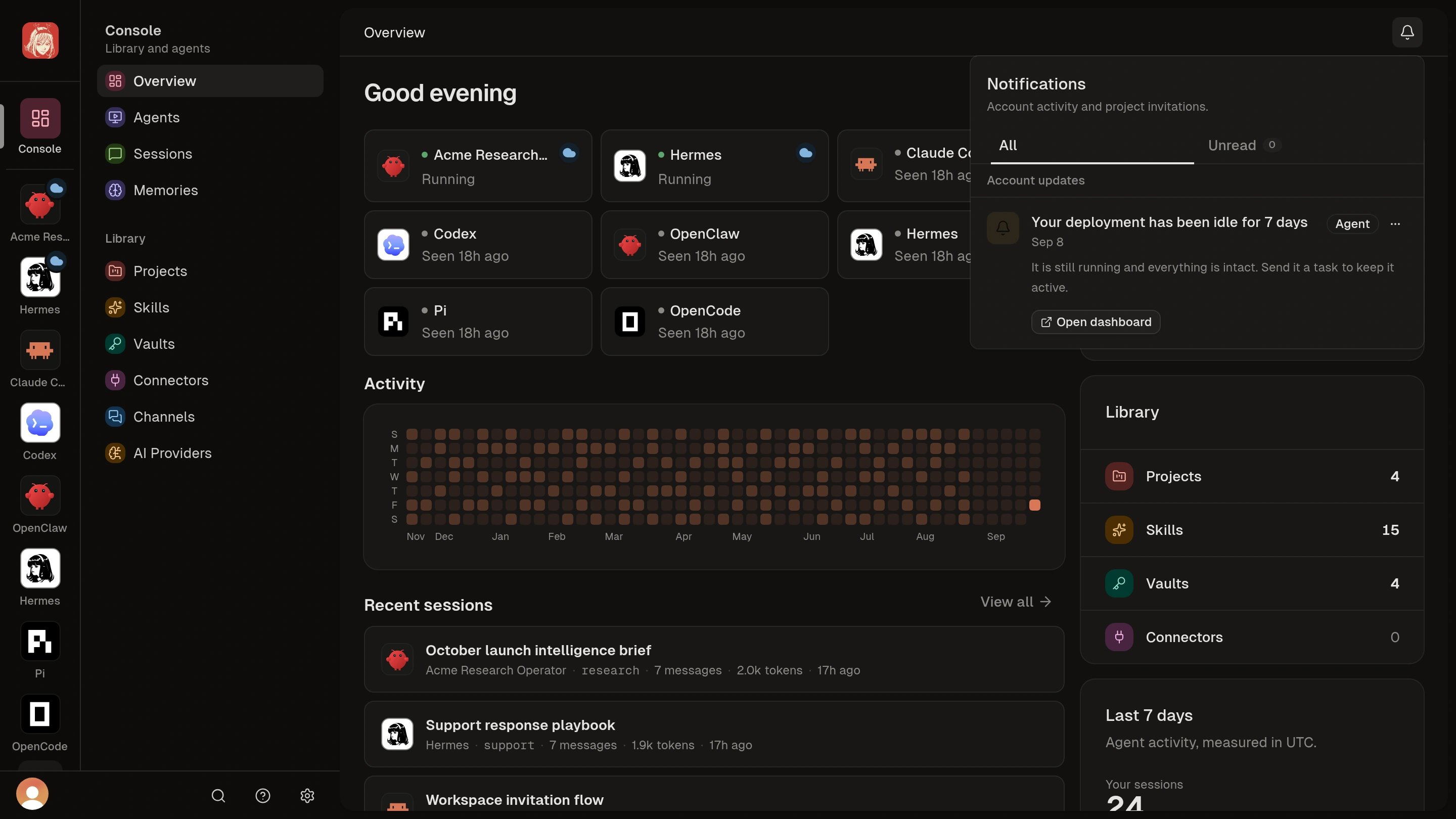
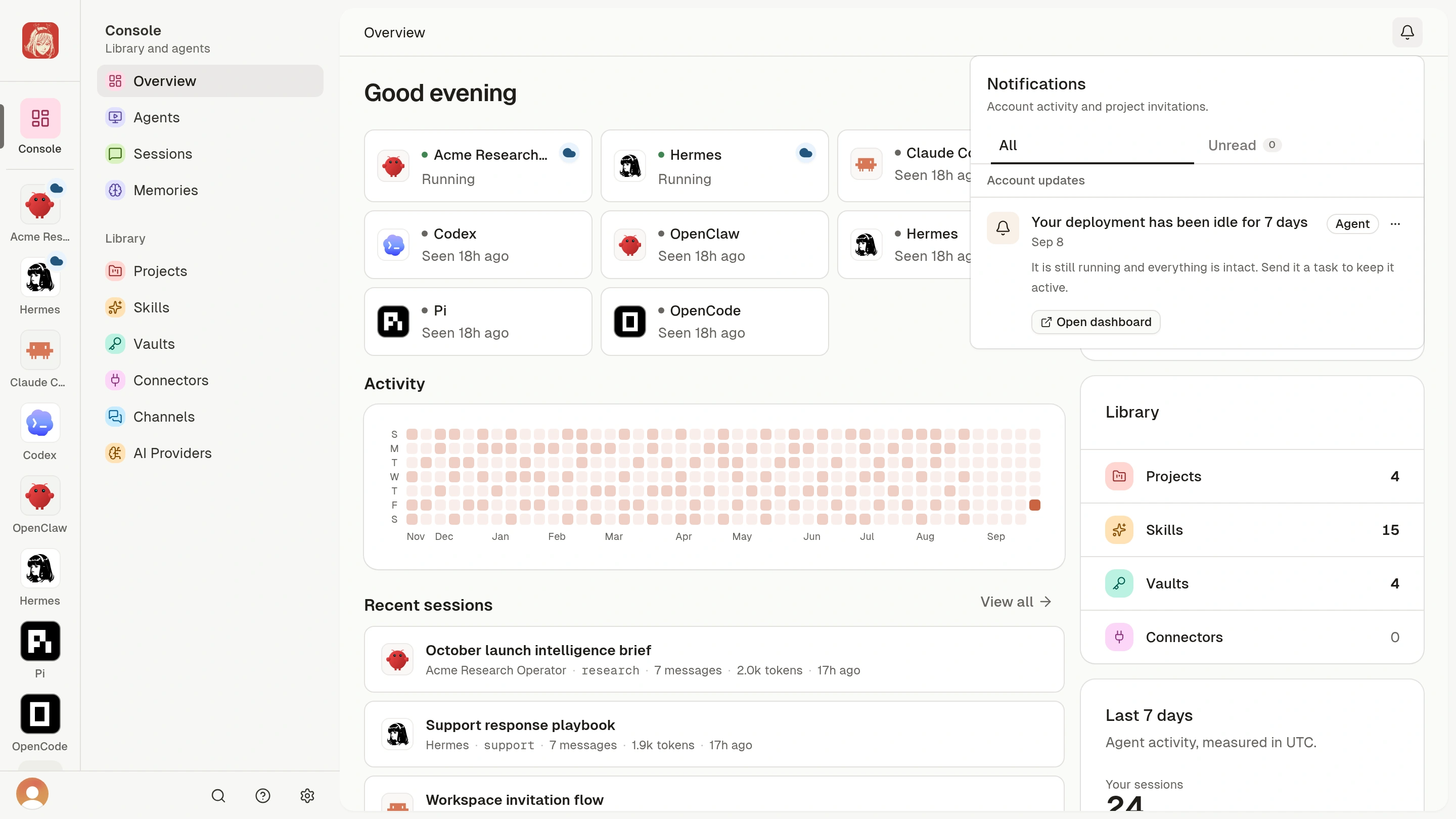
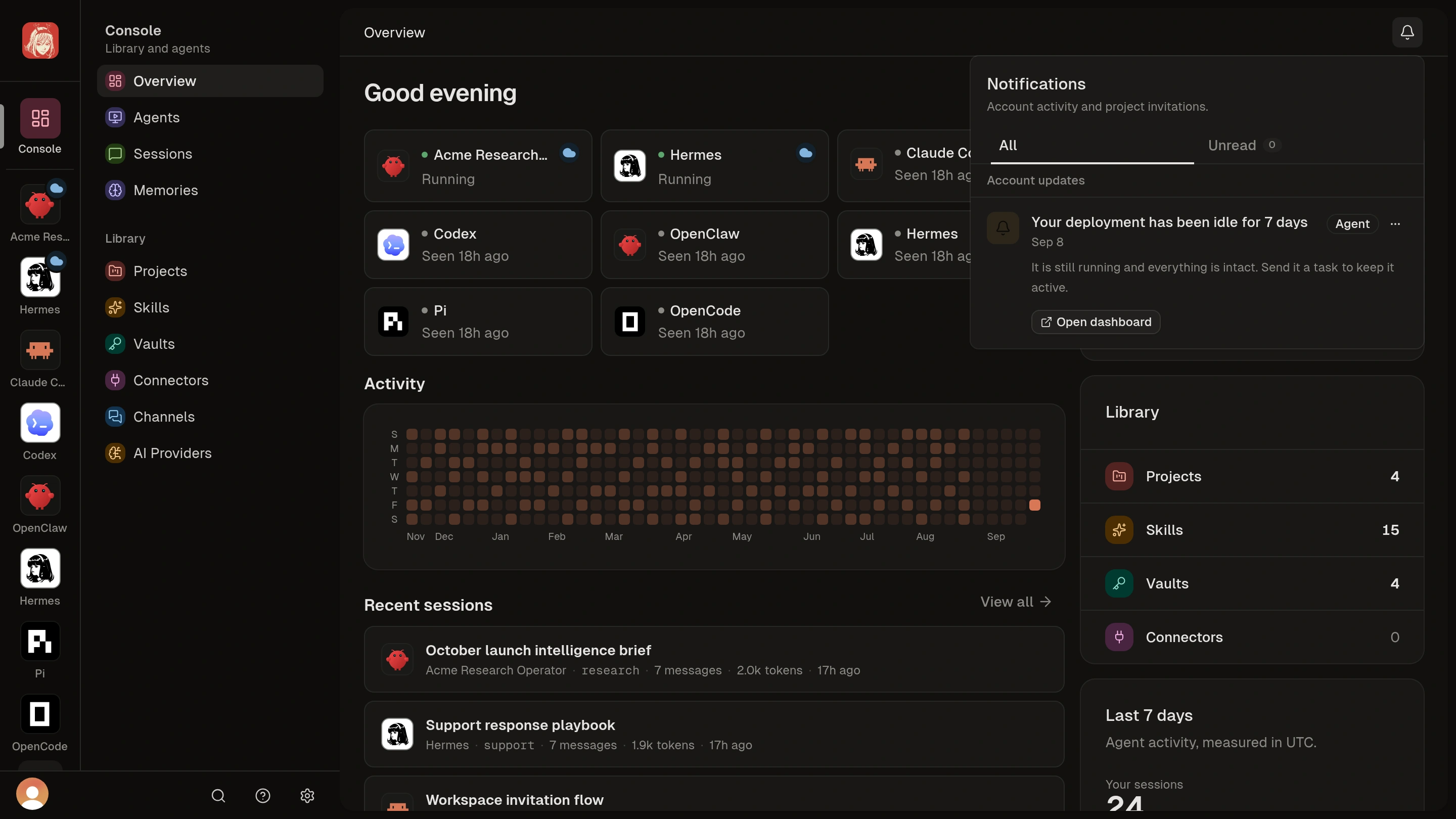
- Open the bell in the top-right corner. Opening the panel marks your account updates read; updates that were unread stay highlighted as new while the panel is open.
- Choose Load earlier when more history is available.
- Read an update and follow its action. Dashboard links open in the dashboard.
- Check the current Wallet, subscription, or Agent state and resolve the issue there.
You have reviewed the update and checked the current state on its linked
page. Read status only shows that you opened the panel, not that the issue
is resolved.
Respond to invitations
- Open the bell and find the Project invitation.
- Review the Project and sender, then accept or decline.
- After accepting, open the Project and review its Skills and attached Vaults.
- To let an Agent use it, open that Agent’s Projects section and choose Link for the accepted Project.
Accepting grants Project membership. The Agent gains access when you
explicitly link the accepted Project.