

What Clawdi brings together
Clawdi gives supported Agents a consistent way to work with:- Sessions and Memories for reviewing earlier work and keeping useful context available.
- Skills for reusable instructions and Vaults for controlled access to secrets.
- Connectors and Channels for working with apps and messaging services.
- Projects for organizing resources and sharing access.
- AI Providers for describing how an Agent reaches a model service.
One product, two run paths
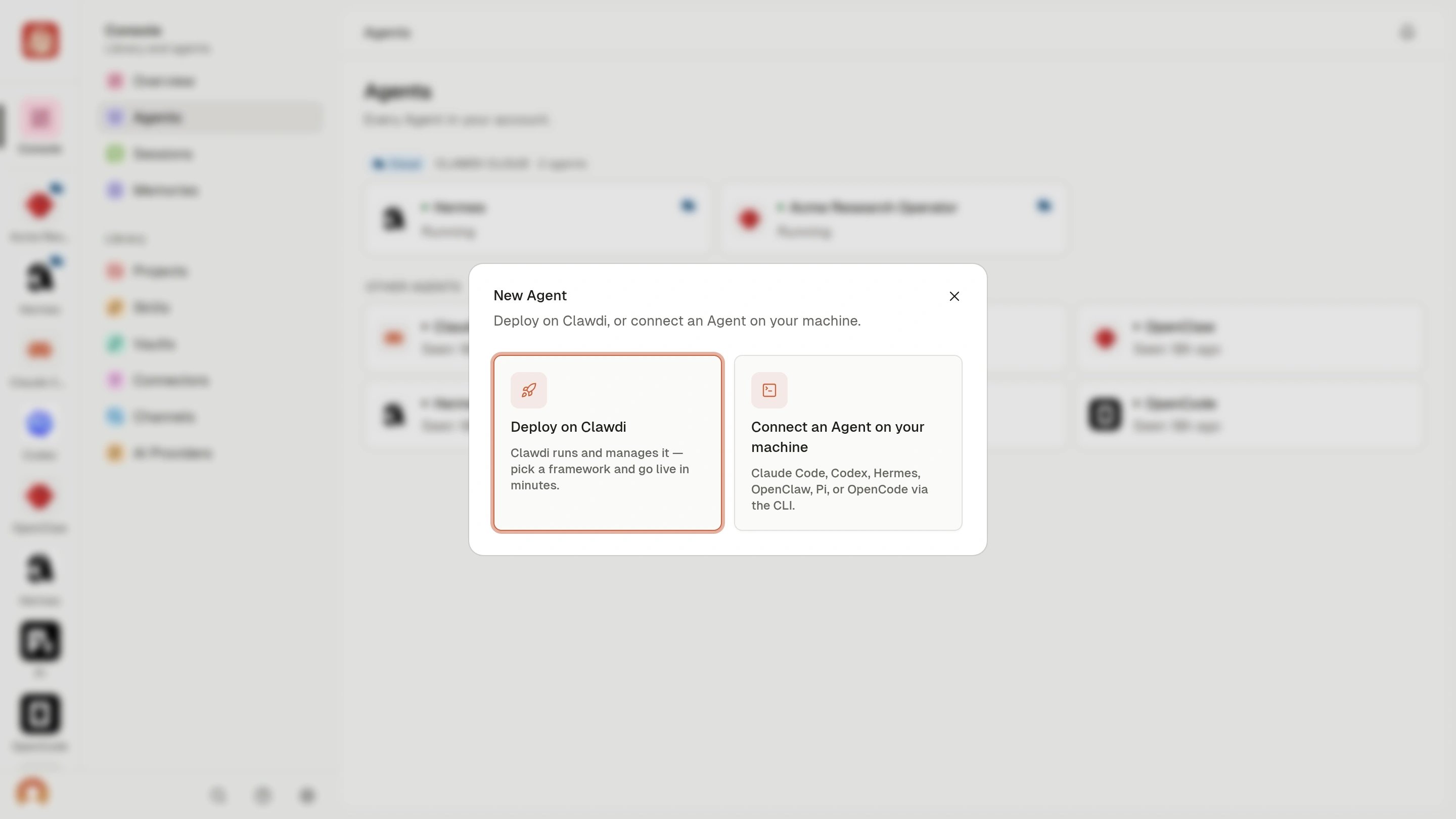
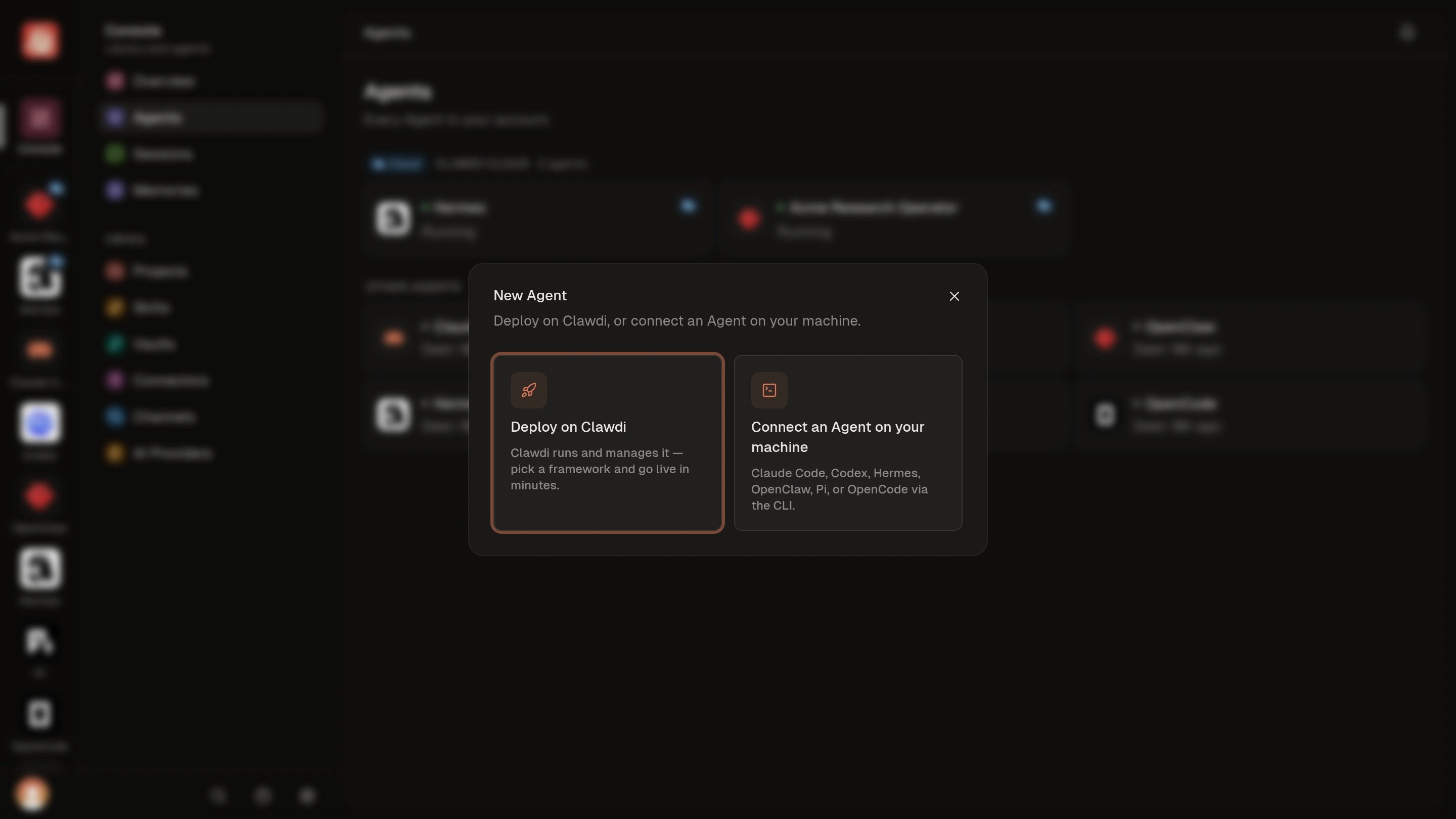
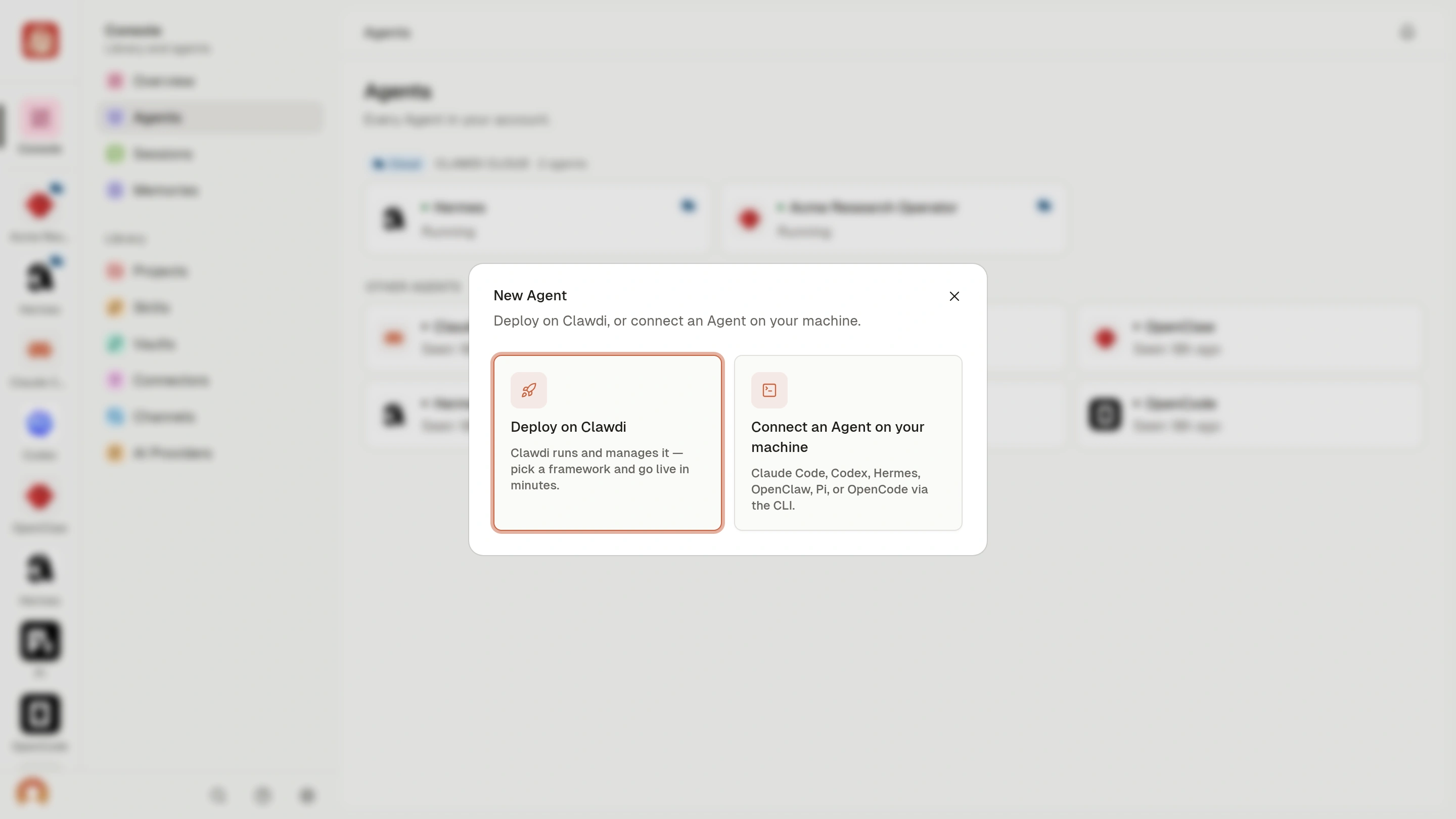
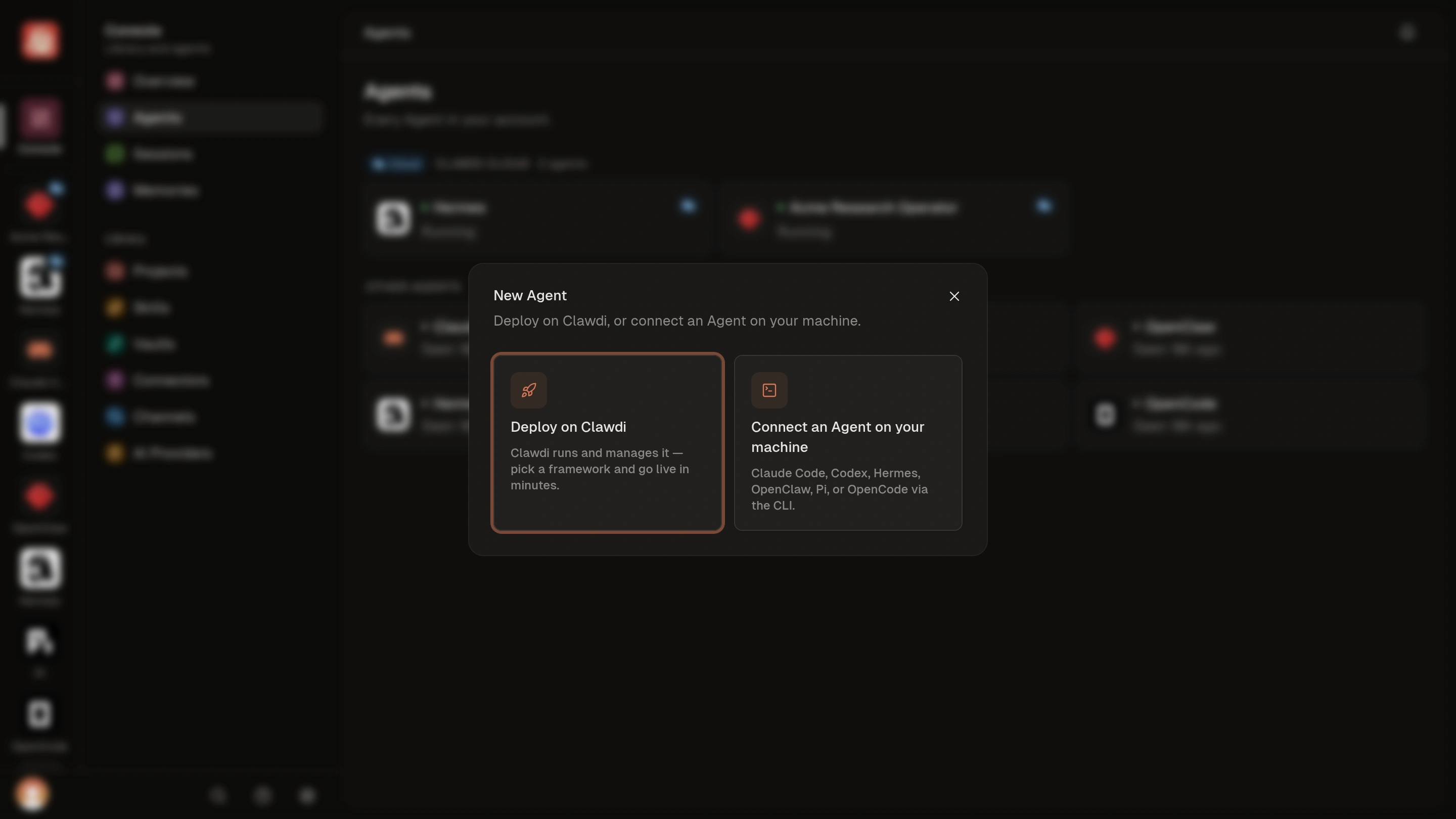
Connected Agent and Cloud Agent describe how an Agent runs and is added to
Clawdi. They are not separate products. Agent software—the Agent
implementation you use—is another choice and determines the Agent experience
independently of its run path.
You can start with either path and use both in one account. Choose per Agent
instead of moving everything at once.
For most new users, a Cloud Agent is the recommended starting point because it
does not depend on an Agent installation or an always-available computer. Use a
Connected Agent when the Agent needs direct access to your computer and its
local tools.
Why use Clawdi
Clawdi is useful when you want to:- Find supported Agent activity and reusable context in one place.
- Give an Agent selected Skills, secrets, and app connections without putting them directly in a project repository.
- Keep using Agent software on your computer while adding a remote Agent for work that should not depend on that computer staying available.
- Organize resources in Projects and share them intentionally.
- Use the dashboard and CLI around the same Clawdi objects.
Choose your next step
Start the Cloud Agent quickstart
Follow the recommended path, deploy from the dashboard, and complete a
first task.
Connect a local Agent
Connect Agent software that already runs on your computer.
Browse guides
Choose an outcome guide for shared context, app access, Project sharing, or
messaging.
See what changed
Read curated, user-facing Clawdi release notes.