

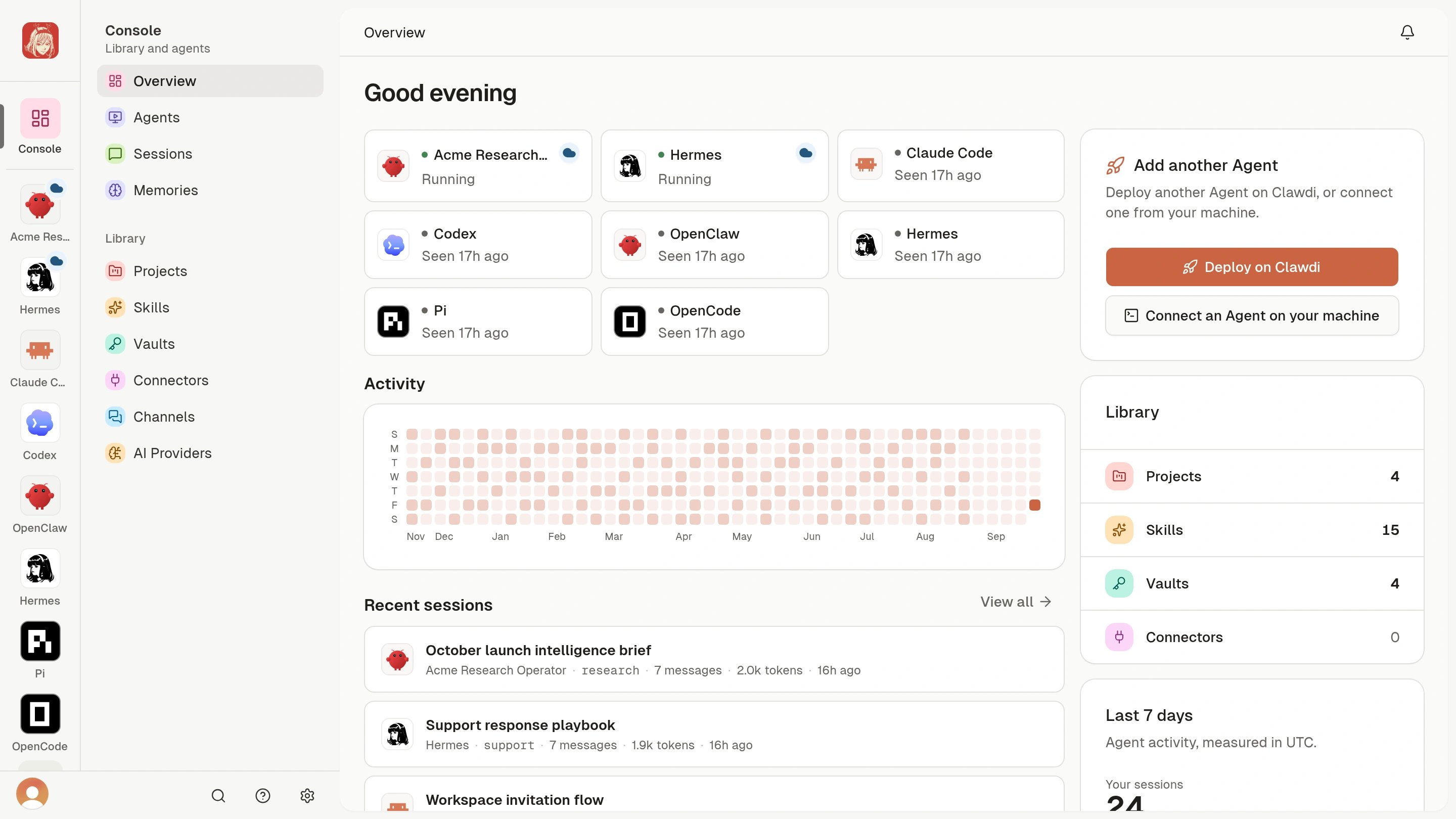
Start the Cloud Agent quickstart
Deploy from the Clawdi dashboard, wait for Running, and complete your first
task in the Agent Interface.
Run Agents locally or in the cloud
Cloud Agent and Connected Agent describe where an Agent runs and who manages its runtime. Agent software is a separate choice: it determines the Agent experience, not the run path. You can use both run paths in the same Clawdi account.Already use Agent software on your computer? Connect a local
Agent. This is the Connected Agent path and is
the right choice when an Agent needs your computer or its local tools.
Make your Agent useful
After your first interaction, add only the context and access the Agent needs.Give an Agent shared context
Save one useful preference and confirm the Agent can use it in a new
interaction.
Connect an app and verify its tools
Authorize an app, check its status, and verify the live tool list before
asking the Agent to act.
Share a Project
Invite a teammate, let them review the Project, and add it to an Agent
explicitly.
Explore all guides
Find practical workflows and detailed guidance for every shared Clawdi
object.