

Add and find Memories in the dashboard
Open Memories in the Clawdi dashboard:- Choose Create memory.
- Enter concise content and select a category.
- Save it, then use search or a category filter to find it again.
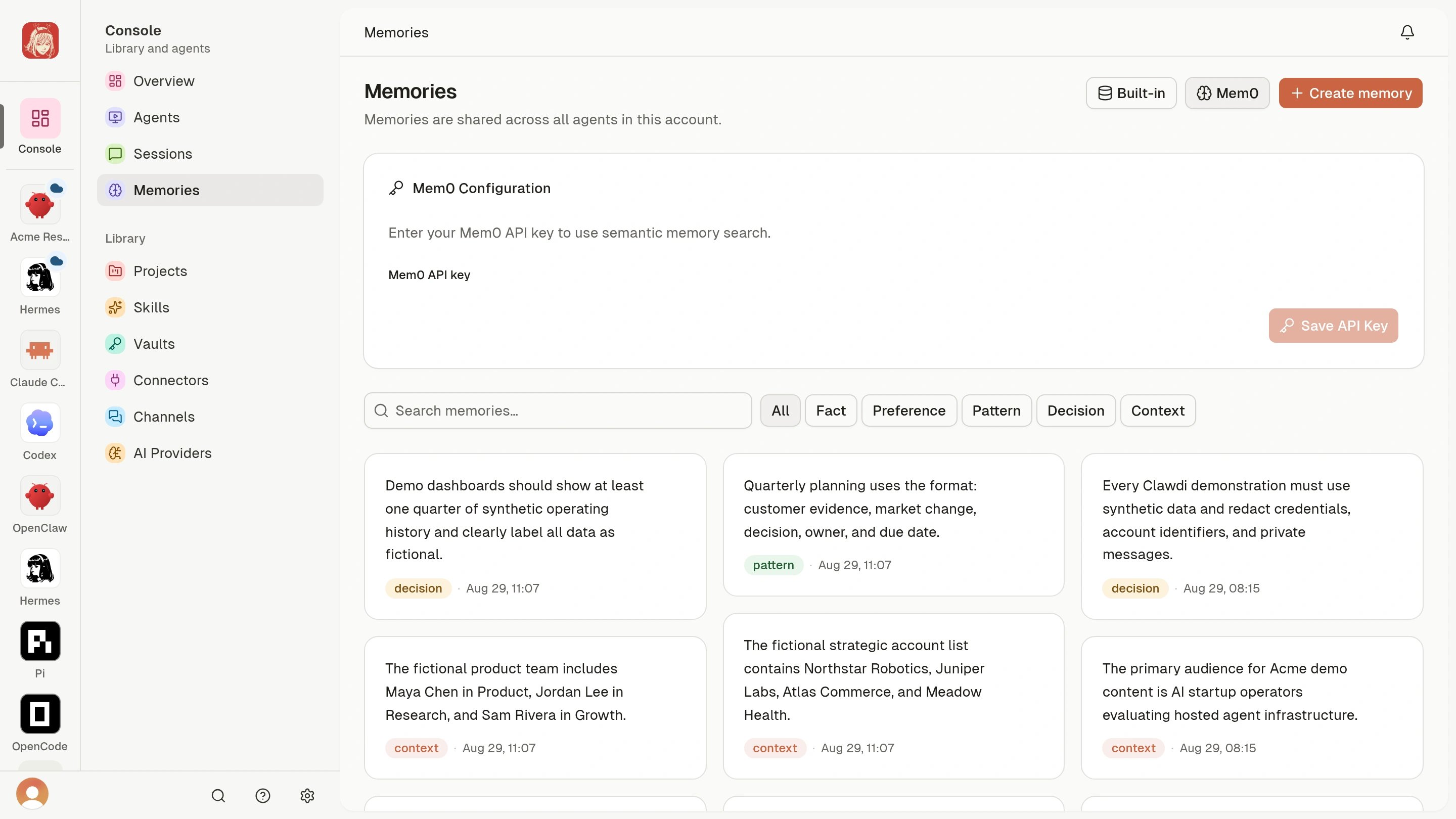
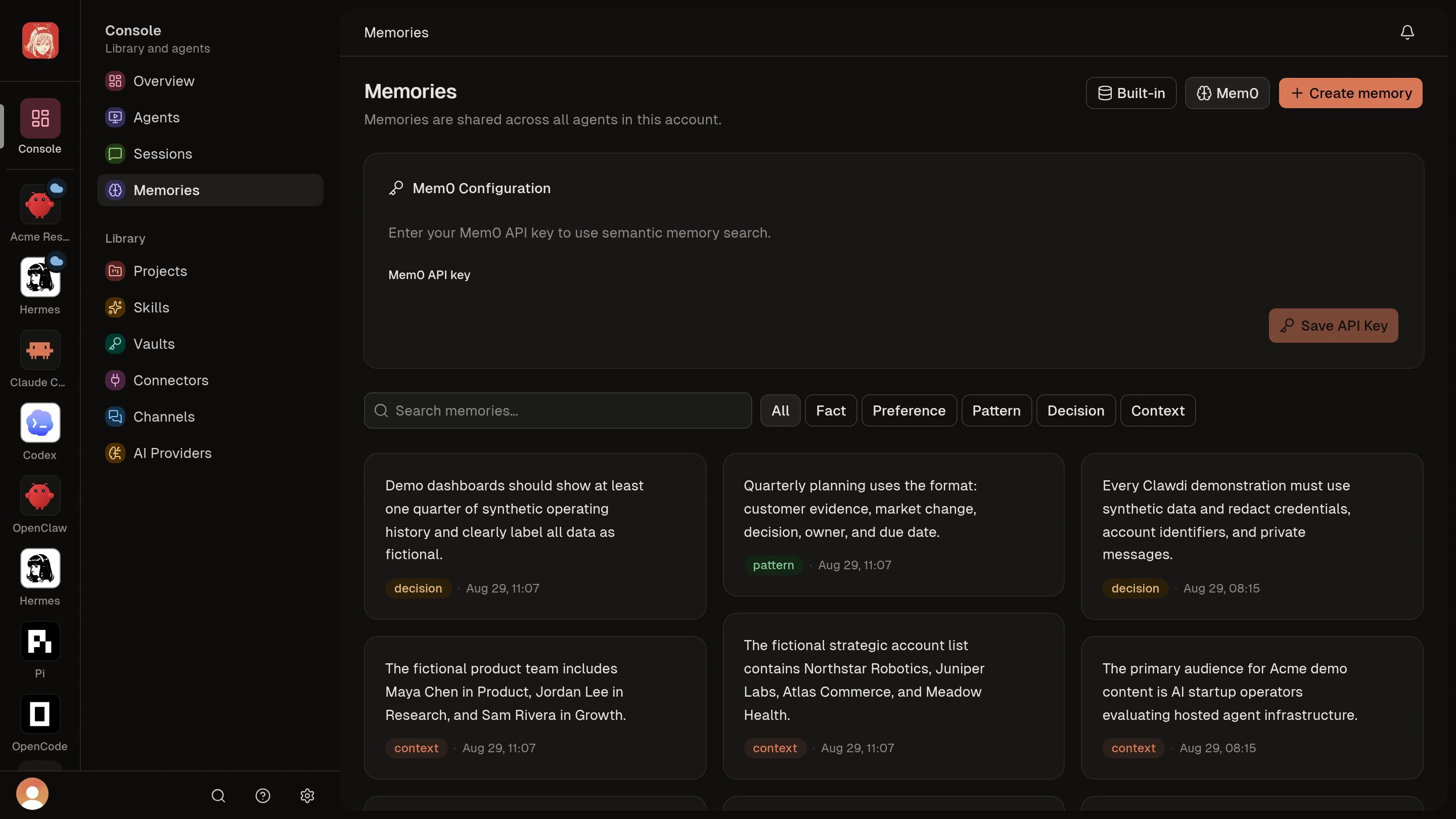
Check that your Agent can use it
Start a new conversation with an Agent that has working Clawdi tools. Ask it to recall the preference you saved. Use one clear fact per Memory, such as: “For project updates, start with a short summary and the next actions.” Keep passwords and API keys in Vaults. To remove outdated context, open the Memory and use its delete action. You can also ask your Agent to review and update a specific Memory.Advanced: Memory commands and Session extraction
Advanced: Memory commands and Session extraction
Write a useful Memory
Keep one reusable fact, preference, pattern, decision, or piece of context in each Memory. Include the subject instead of relying on the current conversation.fact, preference, pattern, decision, and
context. If you omit --category, the CLI uses fact.The search returns the new Memory. A supported Agent with working Clawdi
tools can recall it in later conversations.
Extract Memories from a Session
First make sure the supported Session is synced, then identify its local Session ID:Update an existing Memory
Use the full ID from JSON output to replace one Memory’s content:Delete outdated context
The shortest path is the delete action on the Memory card or detail page. For the CLI, obtain the full ID from JSON output and remove that exact record:memory update when the
same fact or preference has changed and you want to retain the existing
record’s context. Delete it when it should no longer be remembered.If an Agent cannot recall a known Memory, verify its Clawdi tools with
Connectors and MCP and see the MCP
troubleshooting steps.
Run clawdi memory --help for the command surface shipped with your CLI.