

Connect from the dashboard
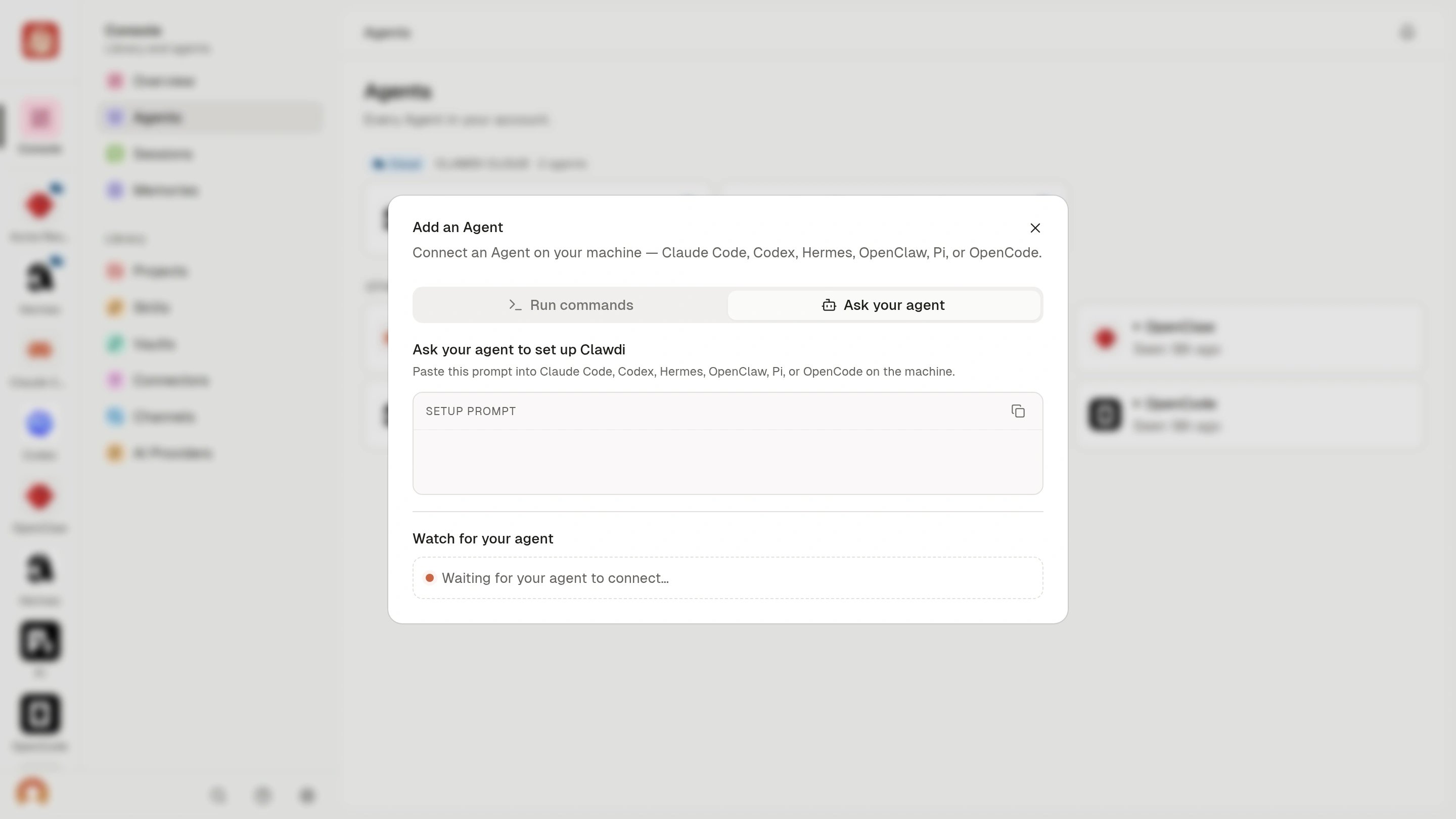
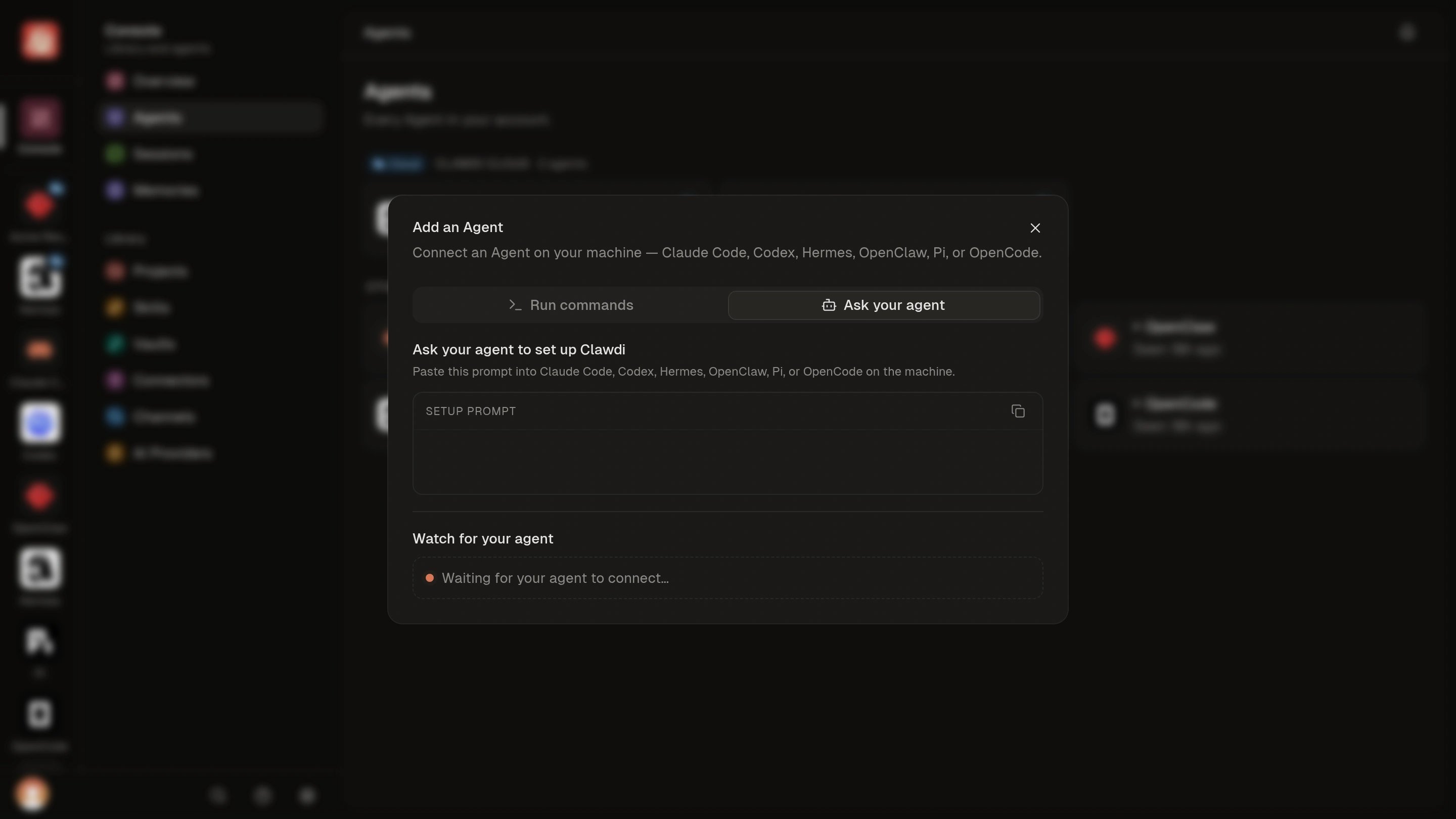
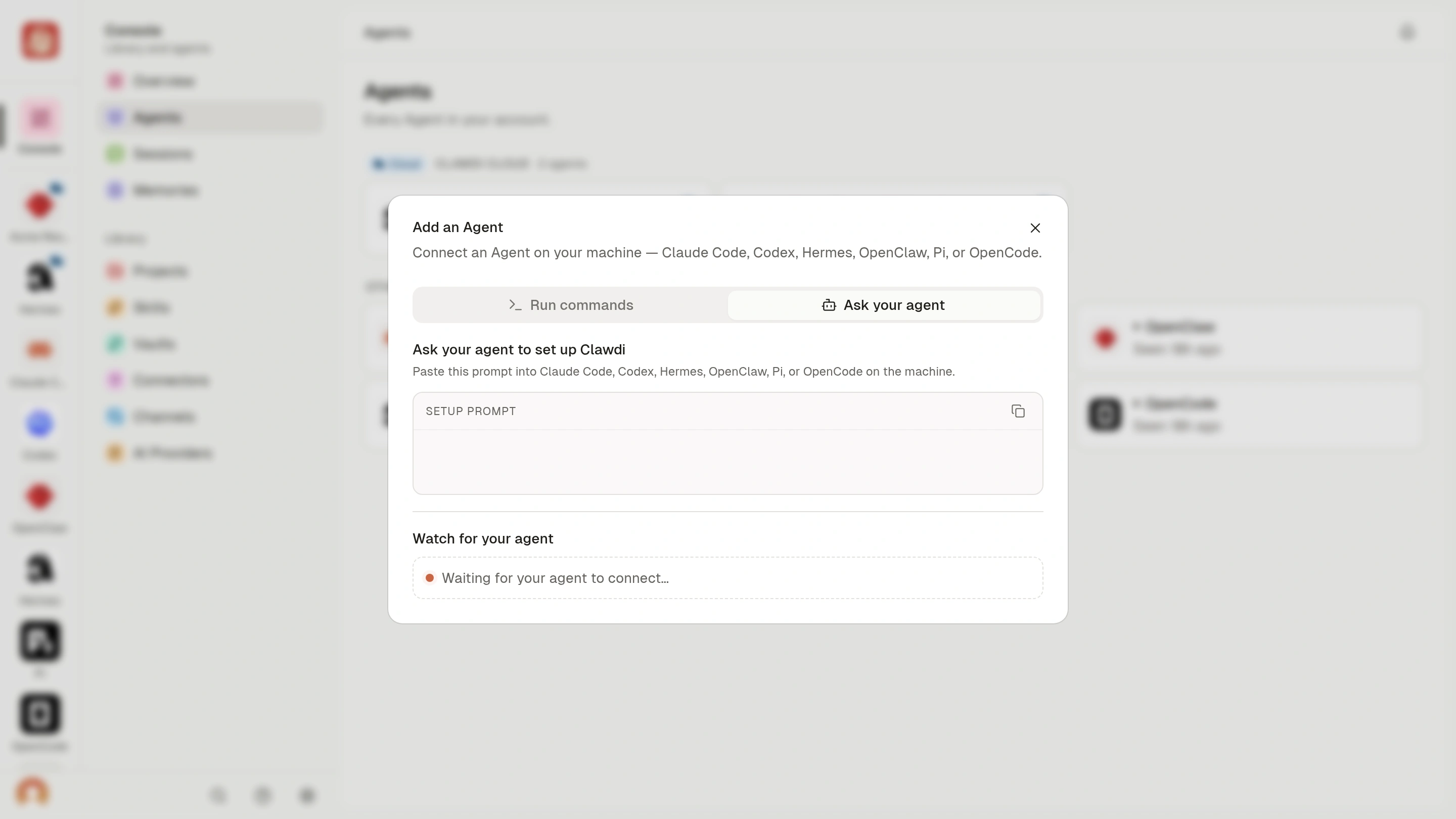
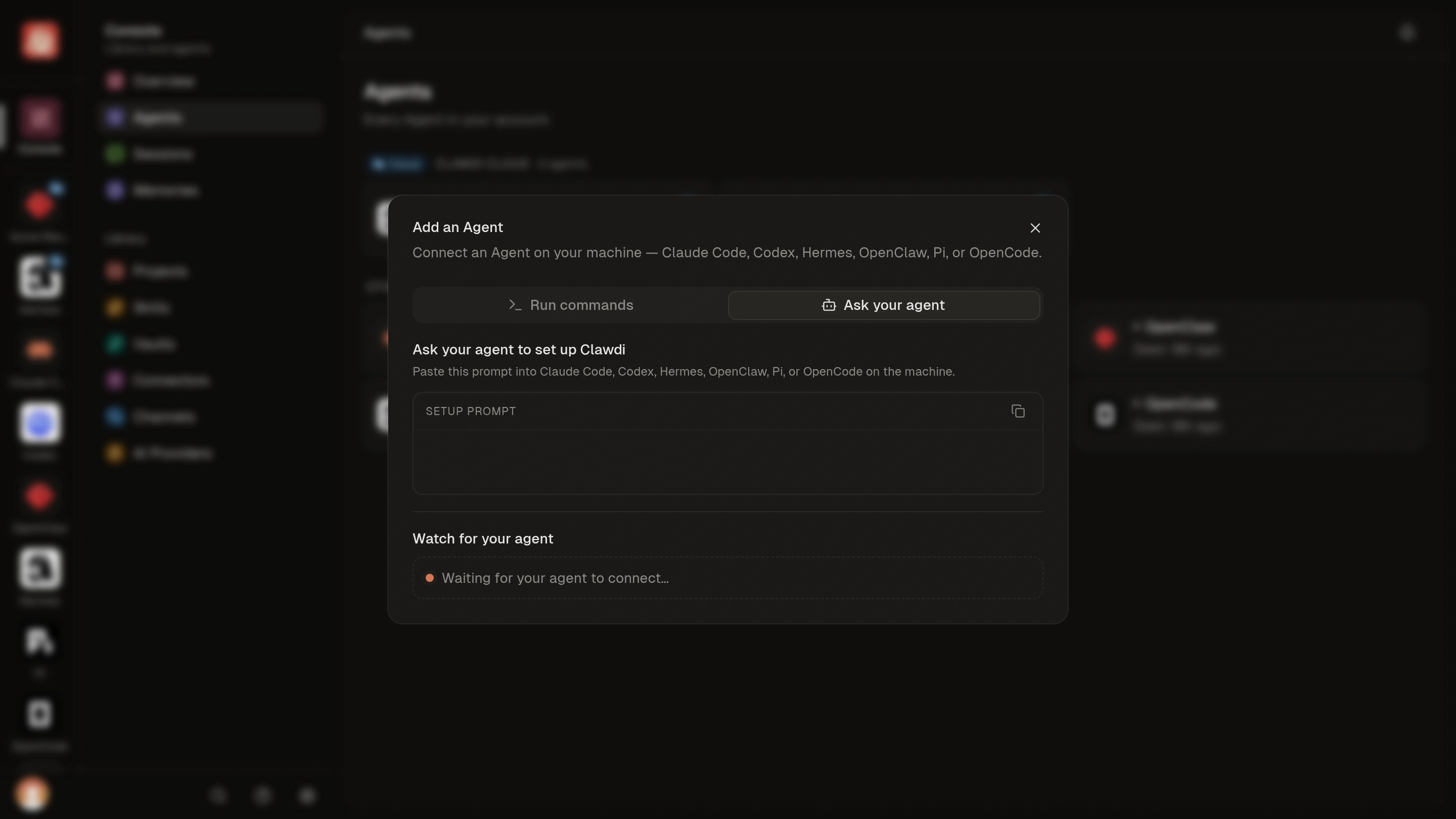
- In the Clawdi dashboard, choose New agent, then Connect your own agent. The dialog opens on Ask your agent.
- Copy the setup prompt from the dashboard into supported Agent software on that computer. Review the requested setup actions.
- Complete browser authorization and follow the setup prompts.
- Return to Clawdi and check that the connected Agent appears.
Supported Agent software
Agent software is a separate choice from where the Agent runs.
Pi and OpenCode connect for Session sync only. Clawdi does not install its
bundled Skill or configure MCP for these integrations.
Advanced: setup commands and connection recovery
Advanced: setup commands and connection recovery
Detect and connect installed software
Run the interactive setup:- Registers an Agent and this computer with Clawdi.
- Adds the Clawdi MCP server where supported.
- Installs the bundled
clawdiSkill where supported. - Ensures the background sync daemon is installed and running.
Select one software option
Use--agent when automatic detection misses an installation or when you want
to configure only one option. The flag identifies Agent software; it does not
select the Agent’s run location.--yes registers every detected option:Verify the connection
codex with the matching value from the list above.Recover a lost connection
If this computer was previously connected, restore its existing Agent instead of registering another one:clawdi agent reconnect --help for non-interactive and daemon options.Remove local integration
To reverse setup for one Connected Agent:clawdi teardown --help to review the current options before removing
more than one Agent’s local integration.